Need help?
Do you have a question about the UMIDIGI G3 and is the answer not in the manual?
Instructions for inserting a Nano SIM card into the phone's SIM slot, noting orientation.
Guidance on inserting a memory card, ensuring correct orientation and phone power state.
Steps to select the primary SIM for 4G and preferred network types.
How to unlock the screen using the fingerprint ID function and enter fingerprint information.
Instructions for connecting to Wi-Fi, Bluetooth, and setting up a WLAN hotspot.
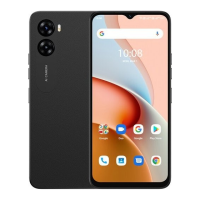
Key technical details including Model, OS, CPU, GPU, RAM, ROM, Battery, and Touch ID.
 General
| Processor | Unisoc T606 |
|---|---|
| RAM | 4GB |
| Storage | 64GB |
| Rear Camera | 13MP + 2MP |
| Front Camera | 5MP |
| Battery Capacity | 5150 mAh |
| Resolution | 720 x 1600 pixels |
| SIM | Dual SIM |
| Network | 4G |
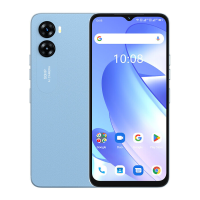
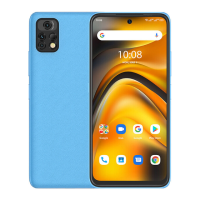
| Colors | Blue |

 To Next Page