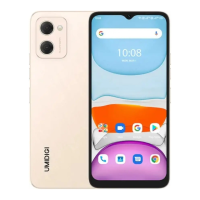
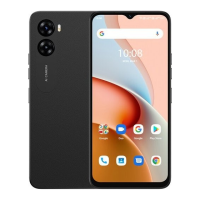
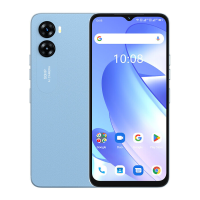
Need help?
Do you have a question about the UMIDIGI G5 and is the answer not in the manual?
Details on long press for power on/off and short press for screen wake/sleep.
Instructions for adjusting volume or muting calls with short presses.
Procedure for inserting Nano-SIM cards, including orientation and precautions.
Procedure for installing TF cards, including orientation and device state.
Steps to select the primary SIM and preferred network type.
Procedure for setting up the fingerprint scanner for screen unlocking.
Guide to connecting to Wi-Fi, Bluetooth, and setting up a mobile hotspot.
Instructions for using the camera for photos and videos, including modes.
Details on dual SIM dual standby technology and its limitations.
Critical safety advice on temperature, accessories, and battery handling.
 General
| Processor | Unisoc T606 |
|---|---|
| Front Camera | 8 MP |
| Battery Capacity | 5000 mAh |
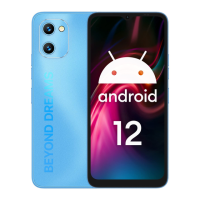
| Operating System | Android 12 |
| SIM | Dual SIM (Nano-SIM, dual stand-by) |
| Network | 4G |
| Rear Camera | 2MP |
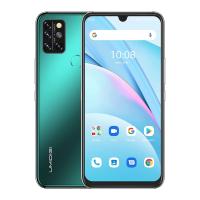
| Colors | Black, Blue |
| Display Size | 6.6 inch |
| Resolution | 1612 x 720 pixels |

 To Next Page