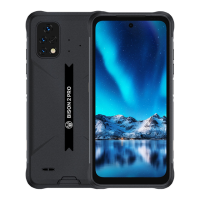
Need help?
Do you have a question about the UMIDIGI BISON Pro and is the answer not in the manual?
Instructions for correctly inserting a Nano-SIM card into the device tray.
Guidance on installing a Micro-SD card into the device's slot.
Configuration for managing dual SIM cards and network preferences.
Steps to connect the device to a Wi-Fi network.
How to enable, search for, and pair Bluetooth devices.
Instructions for setting up the device as a Wi-Fi hotspot.
Guide on operating the camera, including focus, capture, and shooting modes.
Explanation of dual SIM card operation in standby mode.
Safety advice for device usage, temperature, and handling.
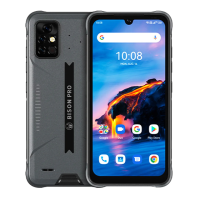
Detailed hardware and software specifications of the device.
Regulatory compliance statements for FCC and ISEDC standards.
Specific Absorption Rate (SAR) details and RF exposure guidelines.
 General
| Display Size | 6.3 inches |
|---|---|
| Processor | MediaTek Helio G80 |
| RAM | 4GB / 8GB |
| Storage | 128GB |
| Rear Camera | 48 MP + 16 MP + 5 MP |
| Front Camera | 24 MP |
| Battery Capacity | 5000 mAh |
| Operating System | Android 11 |
| Waterproof Rating | IP68, IP69K |
| Weight | 265 g |
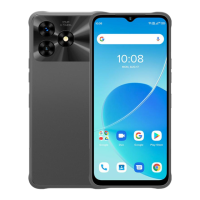
| Colors | Gray |

 To Next Page