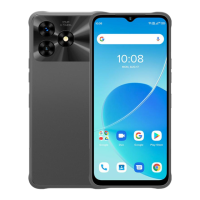
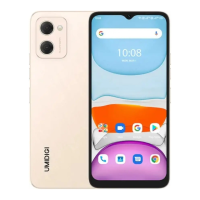
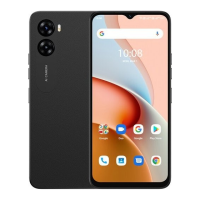
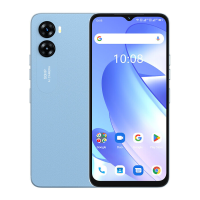
Need help?
Do you have a question about the UMIDIGI G1 Max and is the answer not in the manual?
Guidance on inserting a Nano-SIM card, covering orientation and necessary precautions.
Instructions for installing a Micro-SD card, including orientation and precautions.
Procedures for selecting the primary SIM card and preferred network type.
Steps for setting up and utilizing the fingerprint sensor to unlock the device.
Instructions on how to locate and establish a connection with available Wi-Fi networks.
Procedures for activating Bluetooth and pairing with other devices.
Guidance on configuring and activating the device's portable Wi-Fi hotspot.
Details on taking photos and utilizing various camera modes like video and panorama.
Explanation of how dual SIM cards operate concurrently in standby mode.
Critical safety warnings pertaining to battery, temperature, and general device usage.
Details on model, OS, CPU, GPU, RAM, ROM, battery, and touch ID.
Information regarding screen size, resolution, and touch screen type.
Technical specifications for the rear and front cameras.
Information on network bands, Wi-Fi, Bluetooth, GNSS, FM, earphone, and USB ports.
Details on supported media formats, memory expansion, language support, and sensors.
A list of all items included in the phone's packaging.
 General
| Display Size | 6.52 inches |
|---|---|
| Resolution | 1600 x 720 pixels |
| Display Type | IPS LCD |
| Processor | Unisoc T610 |
| Rear Camera | 50 MP + 2 MP |
| Front Camera | 8 MP |
| Battery Capacity | 5150 mAh |
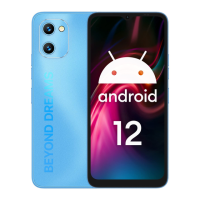
| Operating System | Android 12 |
| SIM | Dual SIM (Nano-SIM, dual stand-by) |
| RAM | 4GB |
| Storage | 64GB |
| Colors | Black, Blue, Purple |

 To Next Page