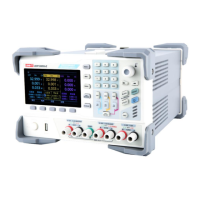
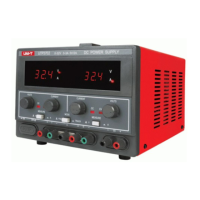
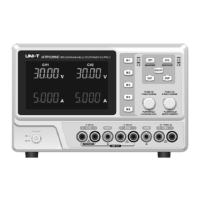
User’s Manual UDP6900 Series Digital Control Power Supply
Instruments.uni-trend.com 19 / 44
List Output Page
Template Settings
Press Template to enter the following page.
1. Click on the Edit Object button to switch to voltage or current;
2. Click on the Type button to switch to template of wave;
3. Click on the Edit button to set the start point and total point of generated wave;
4. Click on the Edit button to set the maximum and minimum of voltage and current, high-low level,
pulse width, period, phase of the waveform;
5. After the above settings is finished, click on the Generate button to complete the wave output
settings.
Template Parameter
Template parameter includes sine wave, pulse wave, ramp wave, step rising wave, step falling wave,
staircase wave, exponential rising wave and exponential falling wave.
1. Sine Wave
The maximum and minimum determines the amplitude of the sine wave.
The total count (maximum 2048) and the time interval (maximum 9999.9) determines the period of the sine
wave.


 To Next Page
 Loading...