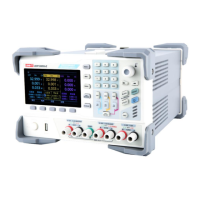
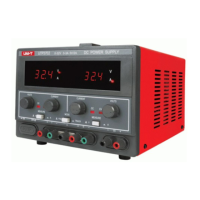
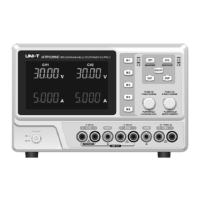
User’s Manual UDP6900 Series Digital Control Power Supply
Instruments.uni-trend.com 18 / 44
Press the menu key slightly (Label 1 as shown in the following figure) or the Home key to switch the
page.
3.11 List Output (Time Control) and Delayer Function
UDP6900 series provides list and delayer function.
List output can successively output the user-defined parameter group (512 groups at most), output voltage,
output current and time. User can change the parameter group by manual or use the template to batch set
the parameter group.
Delayer can successively output the user-defined switch sequence group (512 groups at most), output switch
and time. User can change the parameter group by manual or use the template to quickly generate the switch
sequence.
List output and delayer can manually both load and save the specified file from the internal Flash storage or
external USB storage. The storage format is (.lst.csv) and (.dly.csv). User can directly open and quickly edit
the EXCEL file on computer.
3.11.1 List Output Settings
1. Press the List key on the panel to enter List Output page;
2. Click on the basic setting to set the start point, count, times and stop state. The maximum sum of
the start point and the count is 512.
The cycle count can set to 1 to 99999 or “Inf”;
3. Click on the Edit button to set the parameter of each point or it can set by Template in batches;
4. Enable: when the list output starts to operating, the output will stop when it meets the condition or
is stopped manually.
Note: Press the On/Off key during the operation, the list output will be paused, press it again to
continue the output.
5. Click on the Manage button to select the file to save or input the filename and save to the specified
storager;
Note: List output data is not saved automatically and needs to be saved manually.


 To Next Page
 Loading...