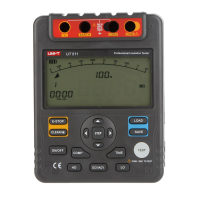
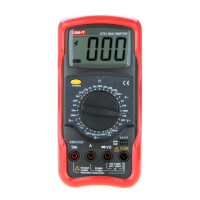
Button Operation Performed
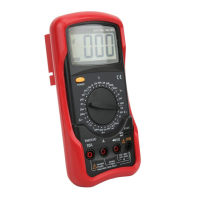
Turn the Meter on and off.
l Press down the POWER to turn
on the Meter.
l Press up the POWER to turn off
the Meter.
HOLD
(Blue Button)
l Press HOLD once to enter hold
mode.
l Press HOLD again to exit hold
mode.
l In Hold mode, is displayed and
the present value is shown.
POWER
(Yellow Button)
Functional Buttons
Below table indicated for information about the functional
button operations
Model UT50D: OPERATING MANUAL
10



 To Next Page