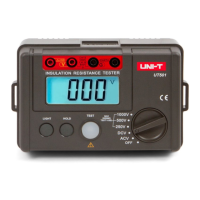
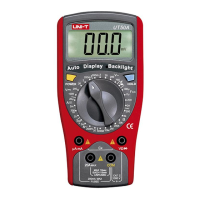
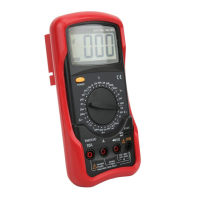
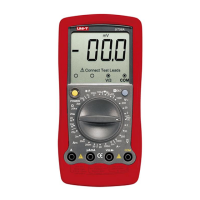
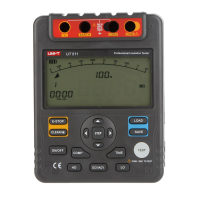
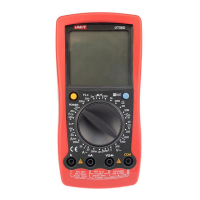
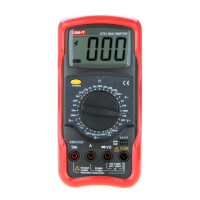
The AC voltage measurement has 4 measurement
positions on the rotary switch: 2V, 20V, 200V and 750V
To measure AC Voltage, connect the Meter as follows:
l If the value of voltage to be measured is unknown,
use the maximum measurement position (750V) and
reduce the range step by step until a satisfactory
reading is obtained.
l The LCD displays “1” indicating the existing selected
range is overloaded, it is required to select a higher
range in order to obtain a correct reading.
l In each range, the Meter has an input impedance of
approx. 10M . This loading effect can cause
measurement errors in high impedance circuits. If the
circuit impedance is less than or equal to 10k , the
error is negligible (0.1% or less).
l When AC voltage measurement has been completed,
disconnect the connection between the testing leads
and the circuit under test.
1. Insert the red test lead into the V terminal and
the black test lead into the COM terminal.
2. Set the rotary switch to an appropriate measurement
position in V range.
3. Connect the test leads across with the object being
measured.
The measured value shows on the display, which is
effective value of sine wave (mean value response).
15
Model UT50D: OPERATING MANUAL



 To Next Page