C6. Function Setting
Part C. Operation Introduction
13
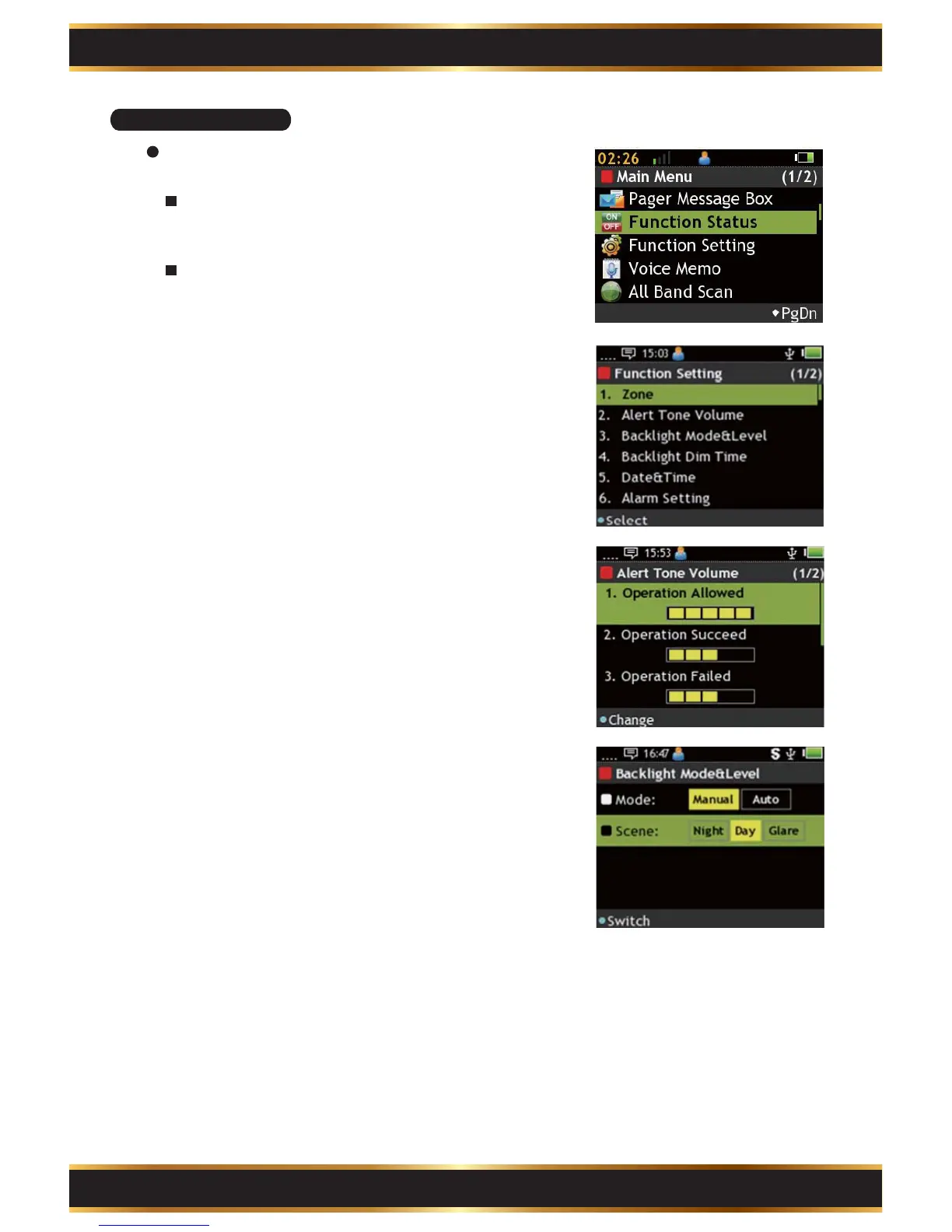
View and manage pager basic function.
Enter Function Status:
Use the Navigation Key to select Function
Setting in the Main Menu.
Basic Operation:
Use the Navigation Key to select function.
Press “K1” Key to start setting.
Zone:
Please refer C2-1 to get detailed information.
1.
Alert Tone Volume:
Use the “K1” Key to adjust the pager tone volume.
A. Operation Allowed: Operation successed.
B. Operation Succeed: Message received.
C. Operation Failed: Message receiving failed.
D. Message Arrived: Text message received.
E. Alarm: Alarm volume
2.
Backlight Mode&Level:
Use the “K1” Key to adjust backlight mode.
A. Mode: Select the backlight mode. There are 2
modes: “Manual” or “Auto”.
B. Manual: Night is low level, Day is medium and
Glare is high level of backlight.
3.



 To Next Page