Part C. Operation Introduction
15
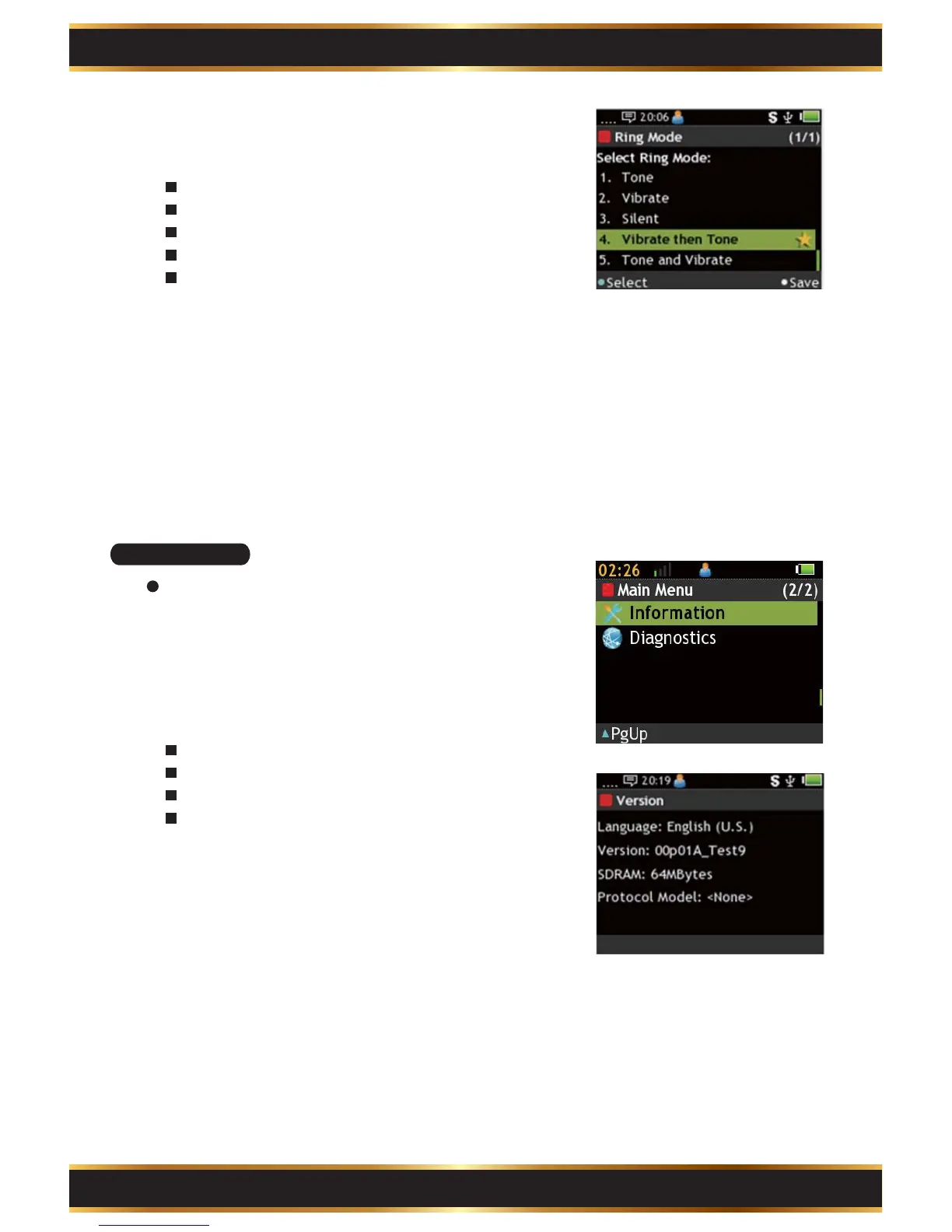
Ring Mode:
Select Ring mode.
There are 5 modes:
Tone: Tone only.
Vibrate: Vibrate only.
Silent: Mute mode.
Vibrate then tone: Vibrate first then tone.
Tone and Vibrate: Both.
A. Use the Navigation Key to move.
B. Press the “K1” Key to select.
C. Press the “K4” Key to save.
8.
C7. Information
View the Pager information.
Enter Information:
Use the Navigation Key to select Information in the
Main Menu.
1.
Read:
Language: Display language
Language: Display language
Version: Firmware version.
SDRAM: SDRAM size.
Protocol Model: Device model type.
2.



 To Next Page