EasyManua.ls Logo

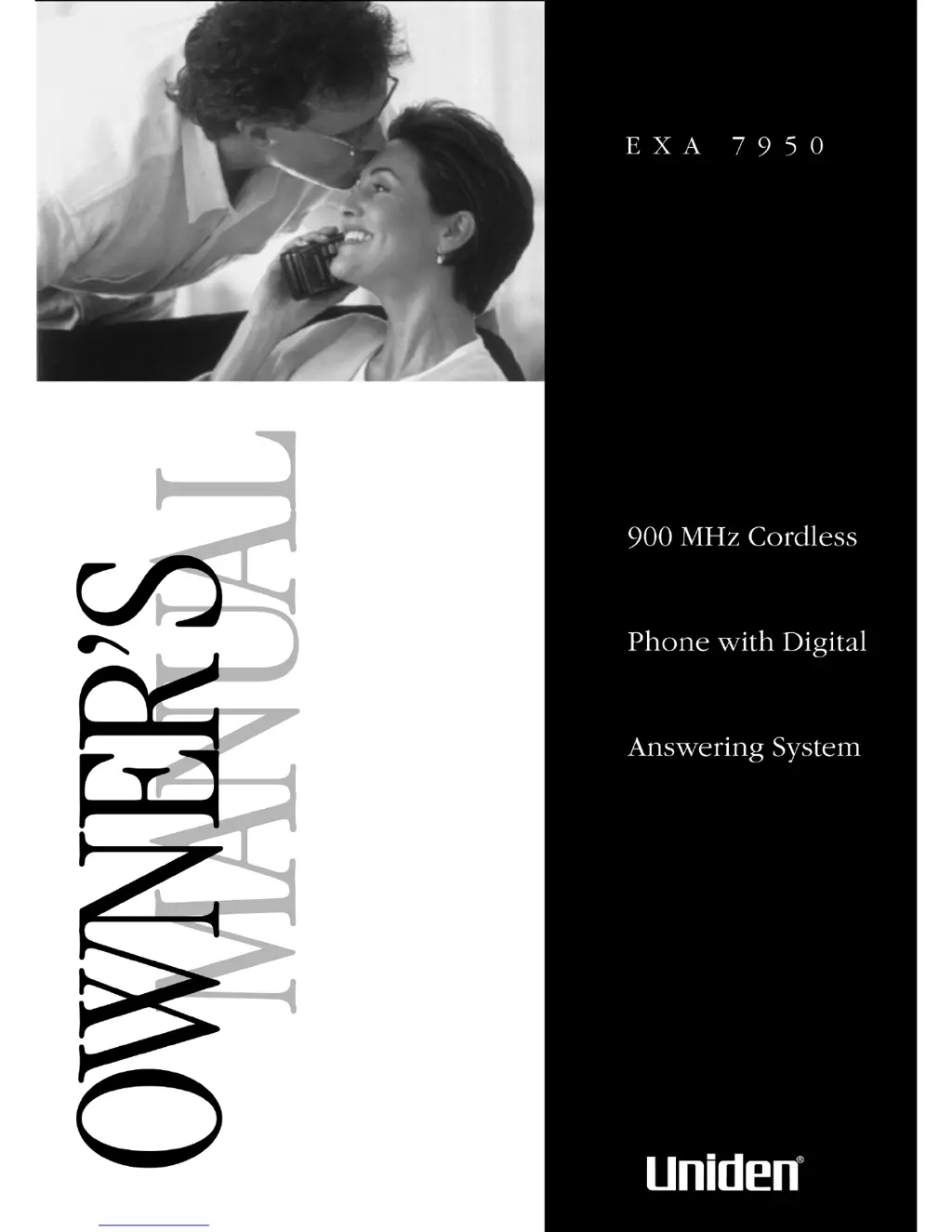
Uniden EXA 7950 - User Manual

Uniden EXA 7950
36 pages
Print Icon
To Next Page IconTo Next Page
Loading...
H:...reprint 8-13-99EXA7950.vp
Tue Aug 17 15:32:30 1999
Color profile: Disabled
Composite Default screen

Table of Contents

Questions and Answers

  • T
    Tracy HendersonAug 14, 2025
    Why can't I make or receive calls on my Uniden EXA 7950 Cordless Telephone?
    • A
      Allison OrtizAug 14, 2025
      If you're unable to make or receive calls on your Uniden Cordless Telephone, try these steps: - Check both ends of the base telephone line cord to ensure they are properly connected. - Verify that the AC adapter is correctly plugged into both the base and the wall outlet. - Disconnect the AC adapter for a few minutes, and then reconnect it. - Place the handset back on the charging cradle for a few seconds to reset the phone; the status LED should blink.
  • J
    Jenny ChavezAug 17, 2025
    Why does the Uniden EXA 7950 handset not ring or receive a page?
    • M
      Michael OchoaAug 17, 2025
      If the handset of your Uniden Cordless Telephone isn’t ringing or receiving a page, consider the following: - The Nickel-Cadmium battery pack may be weak. Charge the battery on the base unit for 15-20 hours. - The handset may be too far away from the base unit. Move it closer. - Place the base unit away from appliances or metal objects. - Place the handset back on the charging cradle for a few seconds so that the status LED will blink, indicating that the phone has been reset.
  • A
    Anita HallAug 20, 2025
    How to fix weak or scratchy audio on Uniden EXA 7950?
    • P
      Pamela SmithAug 21, 2025
      If the audio on your Uniden Cordless Telephone sounds weak or scratchy, try these solutions: - Ensure the base antenna is in a vertical position. - Move the handset and/or base to a different location, away from metal objects or appliances. - Press the chan button to help eliminate background noise.
  • S
    Sara PowellAug 25, 2025
    How to fix incomplete messages on Uniden Cordless Telephone?
    • D
      danamcculloughAug 25, 2025
      If you're experiencing incomplete messages on your Uniden Cordless Telephone, here are a couple of things to consider: - The incoming messages may be too long, so remind callers to leave a brief message. - The memory may be full; try deleting some or all of the saved messages.
  • J
    Jermaine HarrisAug 27, 2025
    What happens after a power failure, the outgoing message is deleted on my Uniden Cordless Telephone?
    • Z
      zacharypierceAug 27, 2025
      If the outgoing message on your Uniden Cordless Telephone is deleted after a power failure, record your personal outgoing message again. Note that the default messages should remain.
  • C
    Cynthia YoungAug 30, 2025
    What to do if the answering system does not work on my Uniden EXA 7950 Cordless Telephone?
    • W
      William ShermanAug 30, 2025
      If the answering system on your Uniden Cordless Telephone is not working, ensure the following: - The base unit is properly plugged in. - The answering system is turned on. - Press the RESET button, especially after an AC line spike.
  • A
    angelawaltonSep 3, 2025
    What to do if Uniden EXA 7950 Cordless Telephone answering system does not answer calls?
    • C
      changjamieSep 3, 2025
      If your Uniden Cordless Telephone answering system isn't answering calls, consider these solutions: - Set the REC TIME switch to either the one minute or four minute option. - If the memory is full, delete some or all of the saved messages.
  • M
    michaelwilsonSep 6, 2025
    What to do if the charge light won’t come on when the Uniden EXA 7950 Cordless Telephone handset is placed in the base?
    • D
      Debra PerezSep 6, 2025
      If the charge light doesn't illuminate when the handset of your Uniden Cordless Telephone is placed in the base, consider the following: - Ensure the AC adapter is correctly plugged into both the base and the wall outlet. - Make sure the handset is properly seated in the base. - Verify that the charging contacts on both the handset and the base are clean.
  • V
    Veronica TorresSep 10, 2025
    Why is there no sound on the Uniden EXA 7950 base unit speaker during call monitoring or message playback?
    • T
      Taylor ClarkSep 10, 2025
      If there's no sound on the base unit speaker of your Uniden Cordless Telephone during call monitoring or message playback, try adjusting the speaker volume on the base unit.

Summary

Introduction to the Uniden EXA7950

Welcome and Product Overview

Welcome to your new Uniden EXA7950 phone, congratulating on purchase.

Key Features and Technologies

Highlights of the phone's 900 MHz cordless, digital answering system.

Advanced Phone Functionality

Details on AutoTalk, AutoStandby, and UltraClear Plus noise reduction.

Digital Security System

Explanation of Random Code and AutoSecure security features.

Uniden EXA7950 Package Contents

Included Items and Accessories

List of all components included in the product box.

Installing and Adjusting Your Uniden Phone

Desk and Tabletop Setup Guide

Step-by-step instructions for placing the phone on a surface.

Wall Mounting Instructions

Guide for securely mounting the phone to a wall.

Direct Wall Mounting Procedure

Alternative method for mounting without a wall plate.

Handset Battery Pack Installation

How to insert and connect the rechargeable battery.

Battery Charging Process

Instructions for initial and ongoing battery charging.

Battery Status and Contact Maintenance

Understanding low battery alerts and cleaning contacts.

Locating the Handset

How to use the page function to find the handset.

Dialing Mode and Ringer Settings

Setting the Pulse/Tone switch and adjusting ringer volume.

Handset Earpiece Volume Control

Adjusting the sound level during calls.

Automatic Digital Code Security

Ensuring secure communication between handset and base.

Using Your New Uniden Phone

Basic Call Handling

Making, receiving, and hanging up calls.

Call Waiting and Flash Function

Managing incoming calls during an active conversation.

Storing and Dialing Memory Numbers

Saving important phone numbers for quick access.

One-Touch Priority and Chain Dialing

Using speed dial keys and sequential dialing.

Erasing Stored Phone Numbers

Removing numbers from memory locations.

Redial, Tone, and Channel Functions

Using redial, tone mode, and changing channels.

Out-of-Range Behavior Explained

What happens when the handset is too far from the base.

Speakerphone and Three-Way Calling

How to use speakerphone and conduct conference calls.

Setting Up the Integrated Answering Device

Answering System Overview and Features

Introduction to the digital answering system and its capabilities.

Turning System On;Off and Setting Clock

Controlling the answering system and setting the time.

Recording Your Outgoing Greeting

How to record a personal message for callers.

Preset Greeting and Message Time

Using the default greeting and setting message duration.

Announce Only Mode Feature

Using the system to only announce messages.

Selecting Message Record Time

Setting the duration for recorded messages.

PIN Code Selection for Remote Access

Setting a security code for remote operation.

Calling Party Control Feature

System behavior for hang-ups before messages.

Toll Saver Switch Functionality

Adjusting ring count for remote message checking.

Using the Reset Button

How to initialize the base computer.

Using the Integrated Answering Device

Playing and Repeating Messages

Listening to new/old messages and replaying them.

Skipping and Deleting Messages

Navigating and removing recorded messages.

Voice Memo Recording

Leaving short messages for other users.

Recording a Conversation

How to record a phone call in progress.

Remote Access Overview

Accessing system features remotely.

Remote Room Monitoring

Listening to sounds in the room where the base is located.

Troubleshooting Your Uniden Phone

Quick Reference Troubleshooting Chart

Common problems and their suggested solutions.

Handset Ringing and Paging Issues

Solutions for handset not ringing or receiving pages.

Answering System Operation Problems

Fixes for system not working or answering calls.

Message Recording and Storage Issues

Troubleshooting incomplete messages and memory capacity.

Post-Power Failure and Audio Problems

Addressing issues after power loss and speaker sound.

Remote Access Troubleshooting

Resolving issues with remote call-in features.

Uniden EXA7950 Specifications

General and Base Unit Specifications

Technical details for FCC compliance, frequency, and base unit.

Handset Specifications

Technical details for the handset, including battery and dimensions.

Uniden EXA 7950 Specifications

General IconGeneral
BrandUniden
ModelEXA 7950
TypeCordless Telephone
Number of Handsets1
Caller IDYes
Call Waiting Caller IDYes
SpeakerphoneYes
IntercomYes
Backlit KeypadYes
Battery TypeNiMH
Battery Life (Talk Time)Up to 10 hours
Battery Life (Standby Time)Up to 5 days
Power SourceAC Adapter
ColorBlack
Answering SystemDigital

Related product manuals