EasyManua.ls Logo

Uniden EXAI 7980 - User Manual

Uniden EXAI 7980
56 pages
Print Icon
To Next Page IconTo Next Page
Loading...
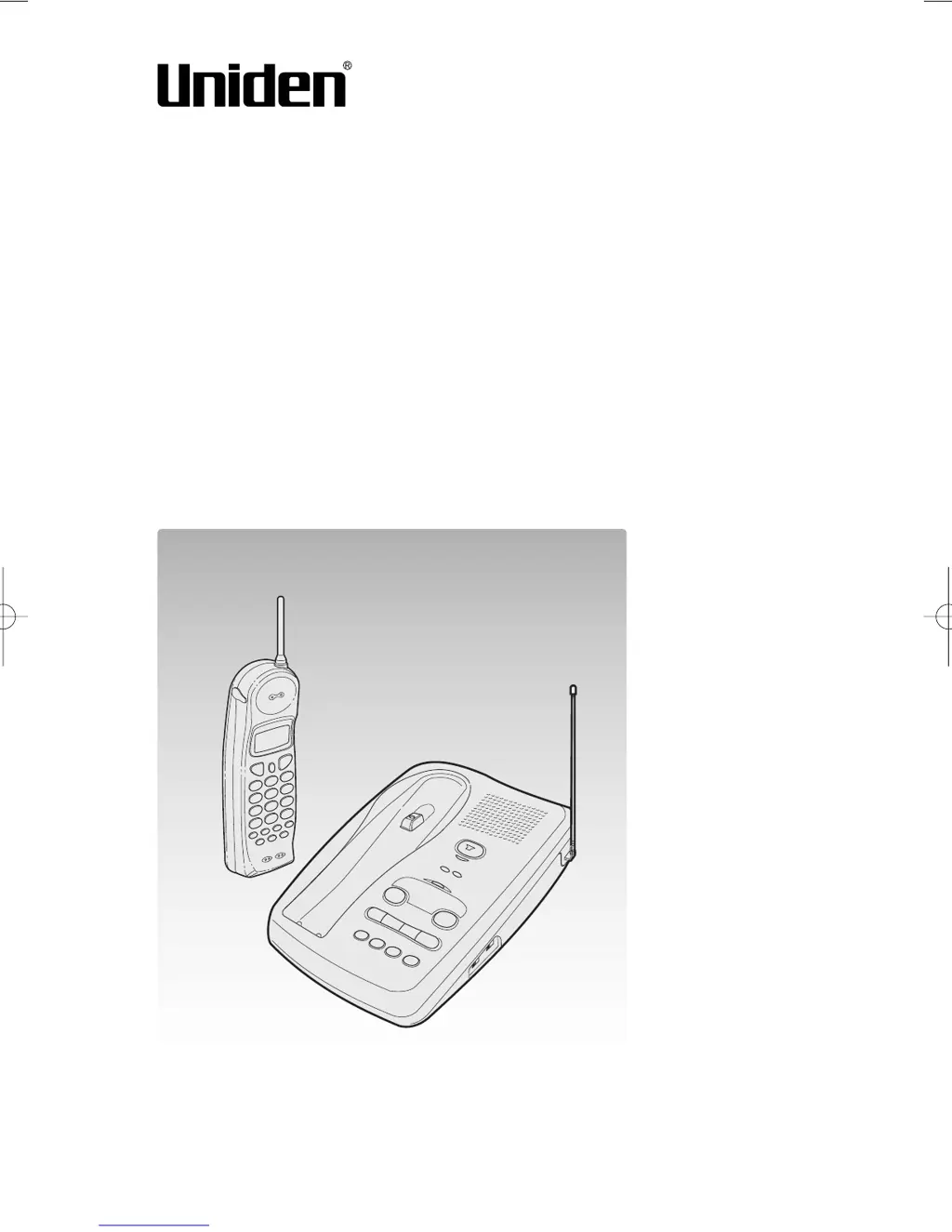
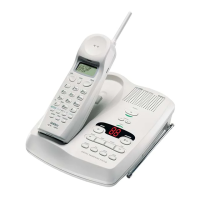
Cordless Telephone
EXAI 7980
Owner's Manual
Thank you for your purchase of the Uniden EXAI 7980 cordless
telephone. Please read this Owner's Manual carefully before
using your cordless telephone to ensure proper use. After read-
ing the manual, please keep it in a safe place and refer to it
when necessary.
©1999 Uniden America Corporation
EXAI 7980 6th HEN 99.8.24 4:52 PM Page 1

Table of Contents

Questions and Answers

  • E
    Elizabeth BarrettJul 26, 2025
    Why doesn't my Uniden EXAI 7980 handset ring or receive a page?
    • S
      Samantha HaynesJul 26, 2025
      If your Uniden Cordless Telephone handset doesn't ring or receive a page: * Charge the battery on the base unit for 15-20 hours, as the battery pack may be weak. * Ensure the handset is not too far away from the base unit. * Place the base unit away from appliances or metal objects.
  • A
    Amanda VelezJul 31, 2025
    What to do if my Uniden EXAI 7980 can't make or receive calls?
    • J
      jennajonesJul 31, 2025
      If your Uniden Cordless Telephone is unable to make or receive calls, try the following: * Check both ends of the base unit telephone line cord. * Ensure the AC adapter is properly connected to both the base unit and the wall outlet. * Disconnect the AC adapter for a few minutes, then reconnect it. * Make sure talk is pressed.
  • K
    Kathryn BakerAug 6, 2025
    How to fix weak or scratchy audio on my Uniden EXAI 7980?
    • A
      Alice MillerAug 6, 2025
      If the audio on your Uniden Cordless Telephone sounds weak or scratchy: * Make sure the base unit antenna is in a vertical position. * Move the handset and/or base unit away from metal objects or appliances. * Press the CHAN button to help eliminate background noise. * Make sure you are not too far from the base.
  • A
    Albert GriffinAug 13, 2025
    What to do if the status light won't come on for my Uniden EXAI 7980?
    • C
      colegaryAug 13, 2025
      If the status light on your Uniden Cordless Telephone doesn't illuminate when the handset is placed in the base unit: * Ensure the AC adapter is correctly plugged into both the base unit and the wall outlet. * Make sure the handset is properly seated in the base unit. * Ensure the charging contacts on both the handset and base unit are clean.
  • J
    jboyleAug 19, 2025
    Why does the Caller ID disappear on my Uniden Cordless Telephone?
    • K
      Kara BirdAug 19, 2025
      The Caller ID might disappear on your Uniden Cordless Telephone if: * The handset was picked up before the second ring. * The call was placed through a switch board.

Summary

Getting Started: Read This First

Initial Setup Steps Overview

Outlines the four primary steps for setting up the cordless telephone, covering unpacking, placement, battery, and Caller ID.

Step 1: Checking Package Contents

Verify All Items

Detailed instructions on confirming all components are present in the product package.

Step 2: Setting Up the Base Unit

Choosing the Best Location

Guidelines for selecting an ideal placement for the base unit to ensure optimal performance.

Making Calls

On-hook Dialing Procedure

Step-by-step instructions for making calls by dialing the number first.

Making Calls Continued

Off-hook Dialing Procedure

Instructions for making calls by picking up the handset first.

Redialing Last Number

Explains how to redial the last number dialed, both on-hook and off-hook.

Receiving Calls

Answering from Handset

Procedures for answering an incoming call using the handset.

Receiving Calls Continued

Answering from Base Unit

Procedures for answering calls using the base unit speaker.

Memory Storing

Storing Phone Numbers and Names

Step-by-step guide to saving phone numbers and associated names into memory.

Memory Storing Continued

Editing Stored Names

How to enter and edit the name for a stored memory entry.

Storing Phone Numbers with Pauses

How to enter and store a phone number into memory, including pauses.

Memory Dialing

Making Calls Using Memory Dialing

Instructions on how to initiate calls using stored memory numbers.

Memory Dialing Continued

Off-hook Memory Dialing

Making memory dial calls by picking up the handset first.

Memory Editing

Editing Stored Names and Numbers

Detailed steps for modifying existing entries in the phone's memory.

Memory Editing Continued

Editing Stored Phone Numbers

Specific instructions for editing the phone number part of a memory entry.

Memory Erasing

Erasing Stored Names and Numbers

Step-by-step guide to deleting specific entries from the phone's memory.

Caller ID

Caller ID Service Overview

Information about subscribing to and utilizing the Caller ID service.

Additional Information Continued

General Troubleshooting Guide

Common issues and their suggested solutions for phone operation.

Answering System Troubleshooting

Solutions for common problems related to the answering system's functionality.

Uniden EXAI 7980 Specifications

General IconGeneral
TypeCordless Telephone
Number of Lines1
Caller IDYes
Call WaitingYes
Standby TimeUp to 7 days
Answering SystemYes
Handsets1
SpeakerphoneYes
IntercomNo
Answering MachineYes
ExpandableNo
Backlit DisplayYes
Battery TypeNiMH
FrequencyDECT 6.0

Related product manuals