EasyManua.ls Logo

Uniden GC43 - User Manual

Uniden GC43
16 pages
Print Icon
To Next Page IconTo Next Page
Loading...
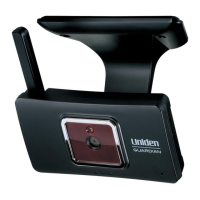
GC43 ACCESSORY CAMERA
USER’S MANUAL
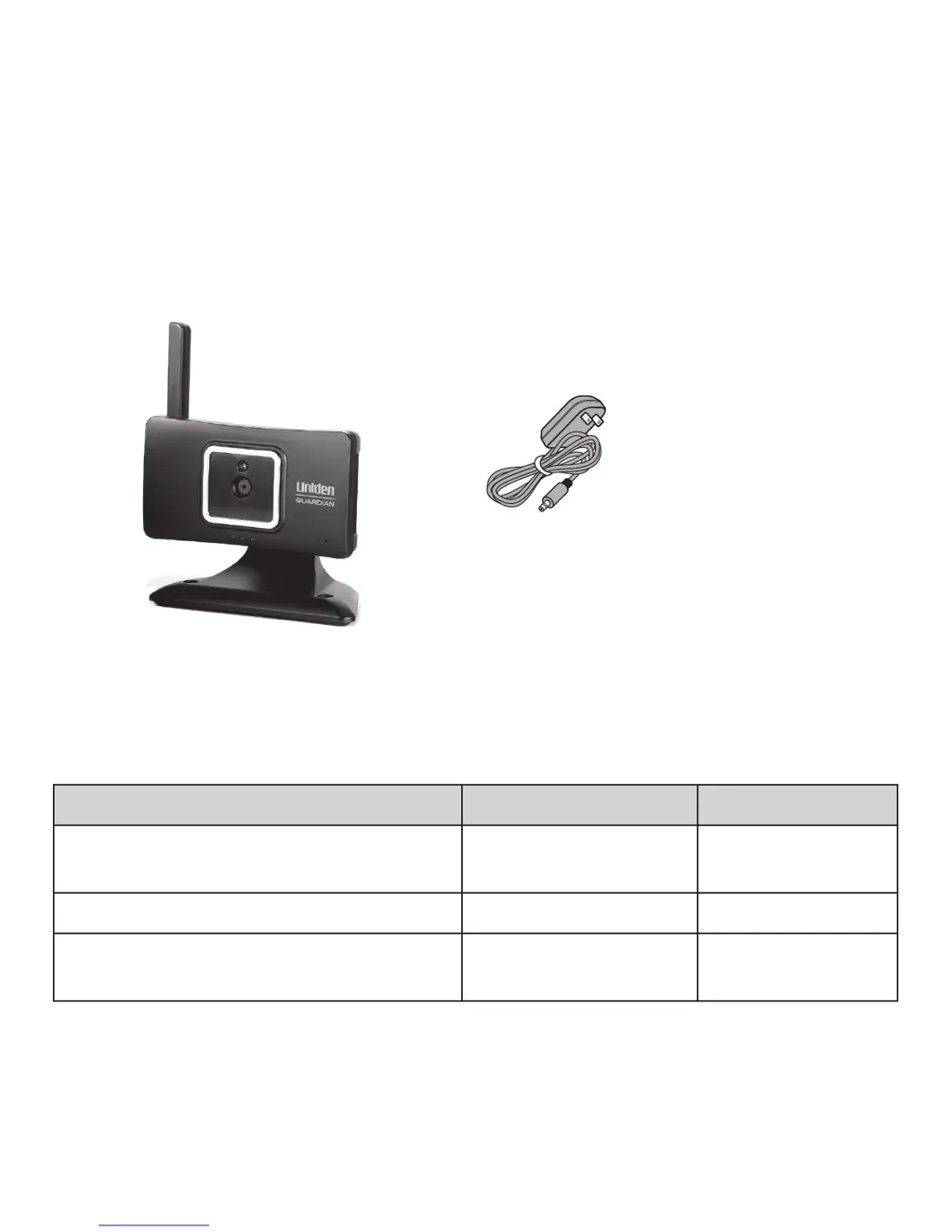
WHAT’S IN THE BOX
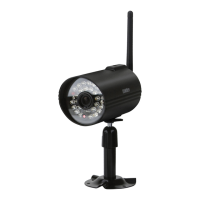
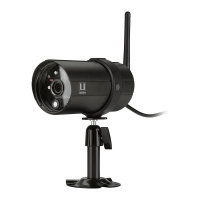
GC43 video camera
AC adapter
Three Wall Anchors
and screws
(Not Shown)
If any items are missing or damaged, contact our Customer Care Line
immediately. Never use damaged products!
Need Help? Get answers 24/7 at our website: www.uniden.com.
If You... Contact Uniden’s... Phone Number
have a question or problem
Customer Care
Line*
817-858-2900 or
800-658-8068
need a replacement part or accessory Parts Department* 800-554-3988
need special help due to a disability
Accessibility Help
Line
800-874-9314
(voice or TTY)
* During regular business hours, Central Standard Time. Visit our website for detailed
business hours.

Questions and Answers

  • M
    Mrs. Tracey WaltersAug 5, 2025
    What to do if Uniden Security Camera signal status icon shows no bars?
    • T
      Thomas YoungAug 5, 2025
      If the Uniden Security Camera's signal status icon shows no bars, ensure the camera is plugged in and the green LED is on. Also, make sure the camera’s antenna is swiveled up and the receiver’s antenna is extended. Verify that the camera is paired to the correct channel. If the issue persists, try re-pairing the camera and receiver.

Uniden GC43 Specifications

General IconGeneral
Resolution1080p
Field of View120 degrees
Audio2-way audio
ConnectivityWi-Fi
StorageMicroSD card (up to 128GB)
Motion DetectionYes
Weatherproof/ResistanceIP65
Power SourceBattery
Battery LifeUp to 6 months
Smart Home CompatibilityAmazon Alexa, Google Assistant

Related product manuals