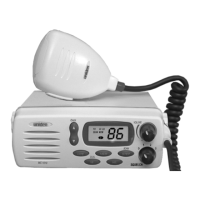
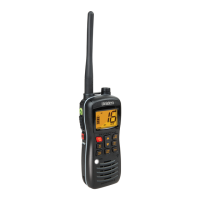
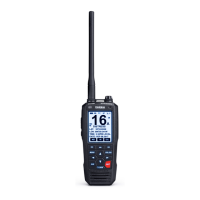
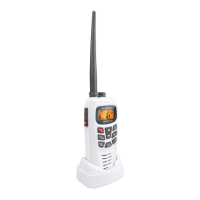
Operation
Setting the Squelch
1.
To turn the unit
ON
, rotate
VOLUME
clockwise. Adjust volume to a
comfortable level.
Note: You must select a channel which is not in use before setting the
SQUELCH
control on your radio.
2.
Think of the Squelch control as a gate. If you turn
SQUELCH
fully
clockwise it raises the “Squelch Gate” so high that no signals get
through.
3.
If you turn
SQUELCH
fully counterclockwise it lowers the “Squelch
Gate” so that everything gets through — noise, weak signals, and
strong signals.
6
SQ
OFF
VOL
SQ
OFF
VOL
C:\MANUALS7\mc535\Mc535.vp
Tue Sep 08 10:53:48 1998
Color profile: Disabled
Composite Default screen


 To Next Page
 Loading...