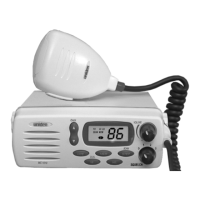
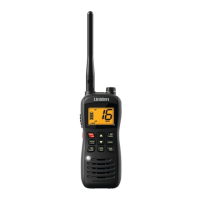
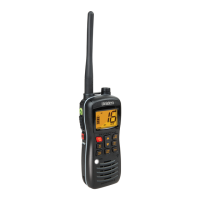
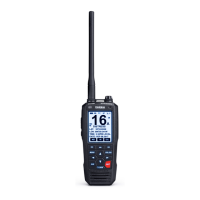
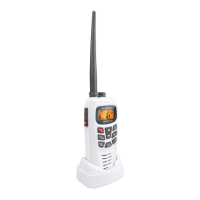
1
Table of Contents
Controls and Indicators.................Front Cover Foldout
Introduction .........................................2
Features..........................................2
Included with your MC535..............................3
Installation ..........................................4
Selecting a Location ................................4
Antenna Considerations .............................4
Engine Noise Suppression ...........................5
Installing the MC535 ................................5
Operation ...........................................6
Setting the Squelch .................................6
Selecting a Channel.................................7
Channel Auto Repeat ...............................7
Instant Channel 16 Communications....................8
USA/INT Channels .................................8
Transmitting.......................................9
Troubleshooting.....................................11
Care and Maintenance ................................12
Replacement Parts...................................13
Service.............................................14
Specifications.......................................15
USA/INT Frequency Lists................Rear Cover Foldout
C:\MANUALS7\mc535\Mc535.vp
Tue Sep 08 10:53:44 1998
Color profile: Disabled
Composite Default screen


 To Next Page
 Loading...