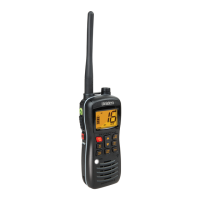
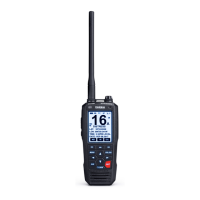
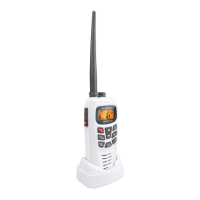
Indicators
9.
16 − Indicates that Channel 16 is selected.
10.
INT − Indicates International Channel Mode.
11.
1W − Indicates transmitted output is 1 Watt.
12.
TX (Transmit) − Indicates PTT switch is pressed and radio is
transmitting.
13.
LED Numerical Channel Display − Indicates Channel Number
in use. Weather Channels are displayed as single digits
(Example: 0, 1, 2, 3, etc.). Communication Channels are
displayed as two digits (Example: 01, 02, 03, etc.).
Rear Panel Connectors
14.
Antenna Connector − Connect the antenna here using a
PL259 type connector.
15.
Remote Speaker Connector − An external 4 ohm, 4 watt
speaker may be connected to this jack. The connecting wire
must use the included 3.5mm miniature plug.
16.
DC Power Cord with In-line Fuse Holder − Connect red
power lead to positive power source.
17.
DC Ground Cord − Connect black power lead to negative
power source.
C:\MANUALS7\mc535\Mc535.vp
Tue Sep 08 10:53:55 1998
Color profile: Disabled
Composite Default screen


 To Next Page
 Loading...