4.
To set the “Squelch Gate” to the desired level, turn
SQUELCH
counterclockwise until you hear noise. Then turn
SQUELCH
back
clockwise just until the noise stops. Now only strong signals get
through.
Selecting a Channel
1.
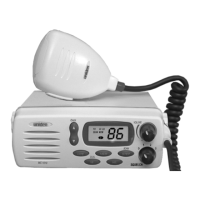
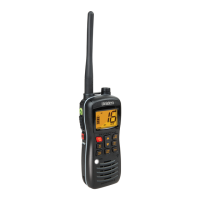
When you turn on your MC535,itis
automatically on Channel 16.
2a.
Press UP, to select a higher channel,
—or—
2b.
Press DWN, to select a lower
channel.
Note: Each time UP or DWN is pressed a short tone sounds.
Channel Auto Repeat
To quickly change channels, press and hold UP or DWN. This changes
channels at five per second.
Note: A short tone sounds when you press either UP or DWN and the
channel changes. Another tone sounds when Channel Auto
Repeat begins.
7
C:\MANUALS7\mc535\Mc535.vp
Tue Sep 08 10:53:50 1998
Color profile: Disabled
Composite Default screen



 To Next Page
 Loading...