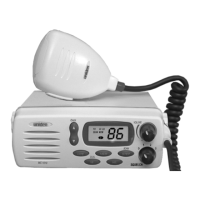
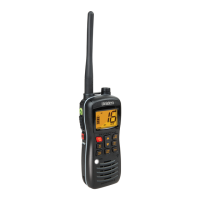
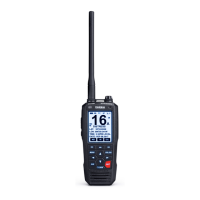
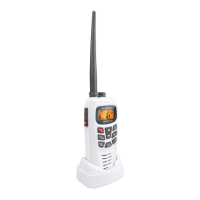
Controls and Indicators
Controls
1.
UP/DWN Channel Selectors − These controls are used to
select the desired communication channel.
2.
LED Panel − Indicators for Channel Number, 16, INT, 1W
and TX.
3.
SQ (Squelch) − Eliminates the background noise when no
signal is being received.
4.
Push-to-Talk (PTT) Switch − Press to transmit and release
to receive.
5.
CH16 − Controls access to instant Channel 16
communications.
6.
INT (USA/International) − Switches operation between US
and International Channels.
7.
1W/25W(TX Output) − Controls transmitter’s output power.
8.
VOL (On/Off/Volume) − Turns the MC535 power on or off
and adjusts the volume.
C:\MANUALS7\mc535\Mc535.vp
Tue Sep 08 10:53:58 1998
Color profile: Disabled
Composite Default screen


 To Next Page
 Loading...