18 Description of controls
Description of controls
Function keys
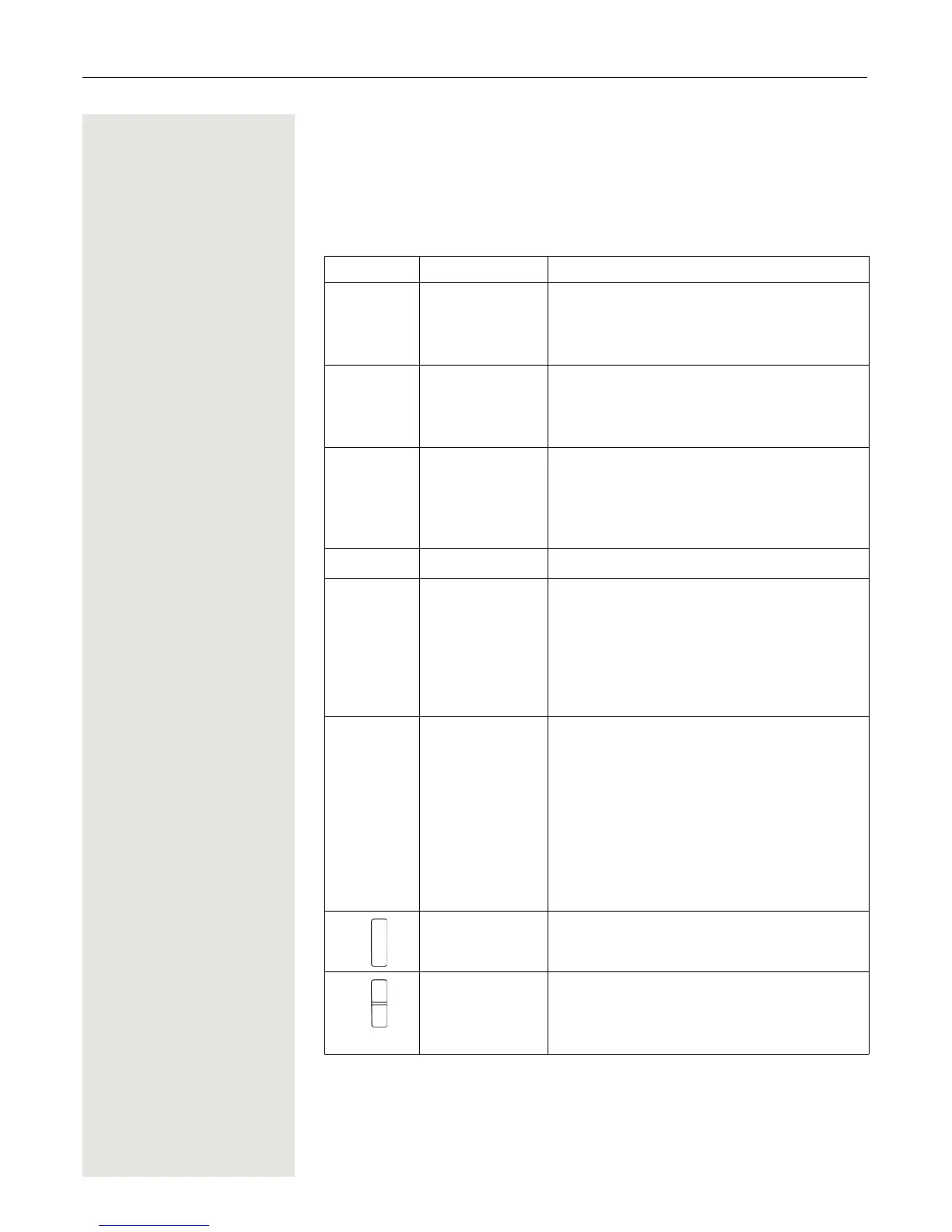
The following function keys are available:
Key Name Usage
a
On-hook and on/
off key
•End a call
• Cancel functions
• Go back to the next menu level up
• Activate or deactivate the handset
c
Talk key • Answer a call
• Dial a phone number
• Open the redial list
• Access telephone system functions
d
Speakerphone
key
• Answer a call
• Dial a phone number
• Toggle between handset and speakerphone
mode
• Access telephone system functions
f
Message list • Access message lists
*
Star key • When entering the phone number:
– Press and release: Insert "*"
– Press and hold: Insert "R"
• In editor mode (string): Show all special
characters
• In idle status: Press and hold to switch on/off
the ringer
#
Hash key • When entering the phone number:
– Press and release: Insert "#"
– Press and hold: Insert a dialling pause
(for example between the prefix and
the phone number or when checking a
mailbox)
• In editor mode (string): Toggle between up-
percase and lowercase and digits
• In idle status: Press and hold to switch on/off
the keypad lock
Alarm and emer-
gency call key
• For triggering a manual alarm or emergency
call
Volume key (+/-) • Adjust the volume for ringtones
• When conducting a call: Adjust the volume
in handset and speakerphone mode and for
the headset













 To Next Page