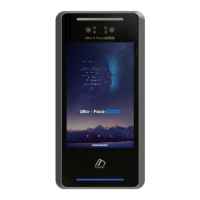
UBio-X Face User Guide 13
UNIONCOMMUNITY Co., Ltd.
Address: 12F, Munjeong Daemyeong Valeon bldg, 127 Beobwon-ro Songpa-gu,
Seoul, Korea (zip code: 05836)
Tel: +82-2-6488-3000, Fax: +82-2-6488-3099,
E-Mail: sales@unioncomm.co.kr; http://www.unioncomm.co.kr
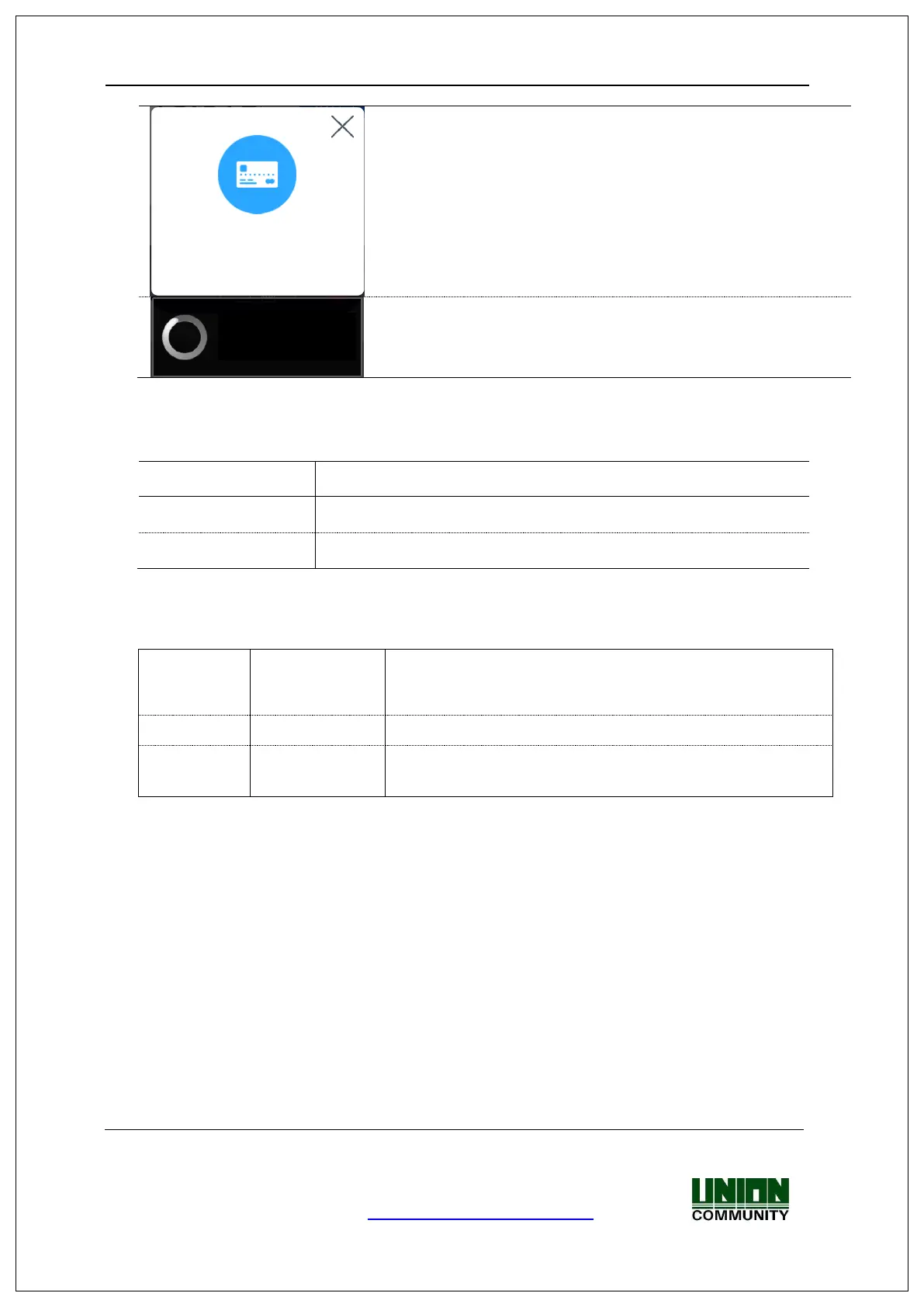
- The waiting status for the input of card
- When the terminal program is being upgraded
(In this state, you should not turn off the terminal.)
1.4. Voice sounds in operation
1.5. Beep sound in operation
Notice
for reading
the card
When the authentication was failed (at Voice off)
When the authentication was successful (at Voice off)
1.6. How to register and authorize the face properly
Face registration method
- Maintain the distance between the terminal and face in about 50 cm.
(Locate the face in the guide line of LCD window.)
- Register the face pose along with the guidance. During the shooting, please
maintain the attention.
- When registering the face, register after sweeping your hair up not to hide the
eyebrow or lower face with your hair or hat. (On the stand of passport picture).
Face authentication method
Just stare at the camera from the front.
Upgrading...
Do not power off !


 To Next Page
 Loading...