3. Prepare the Robot
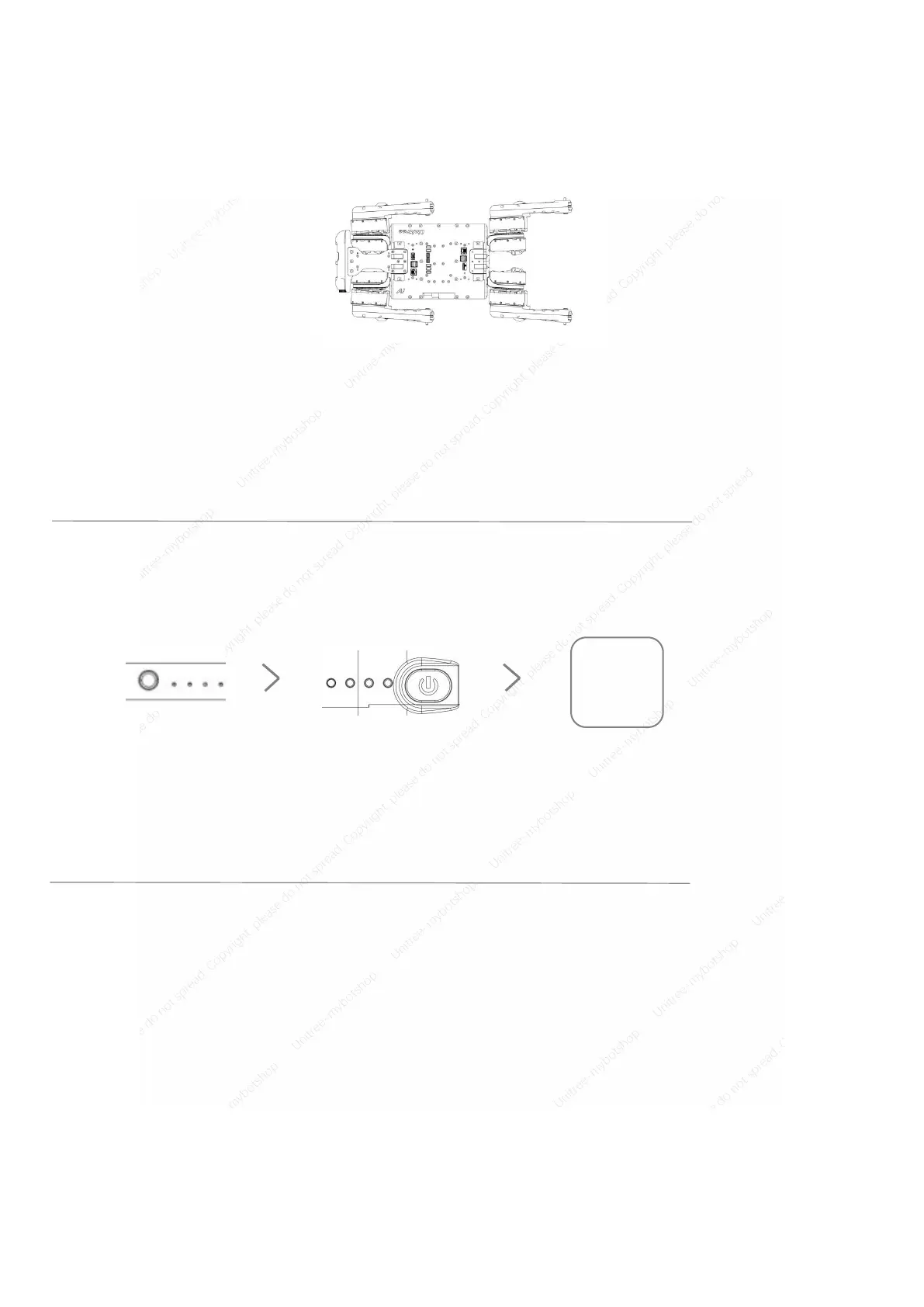
Please make sure that the robot is placed on the leveling ground before starting the machine. The robot's
abdominal support pad should be flat on the ground. The body level is not tilted on the ground. The robot calf is
fully stowed(As shown below), make sure that the robot's thighs and calves are not pressed by the body,
otherwise the robot may fail to boot.
4. Prepare for Operating
A1 supports remote control and Wi-Fi control of mobile devices, the robot control mode can be switched
through the App.
5. Control the Robot
1. Joystick control method for basic operation in Sport mode.
2. Joystick control method for combined action and special action in Sport mode.
3. Joystick control method for basic action in Sport mode (walking).
4. Joystick control method for combined action and special action in Sport mode(walking).
5. Joystick control method for basic operation in Sport mode(fast-running).
6. Joystick control method for basic action in SLAM mode .
Power on the
remote controller



 To Next Page