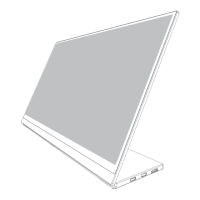
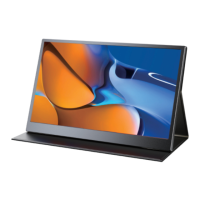
Monitor Introduction
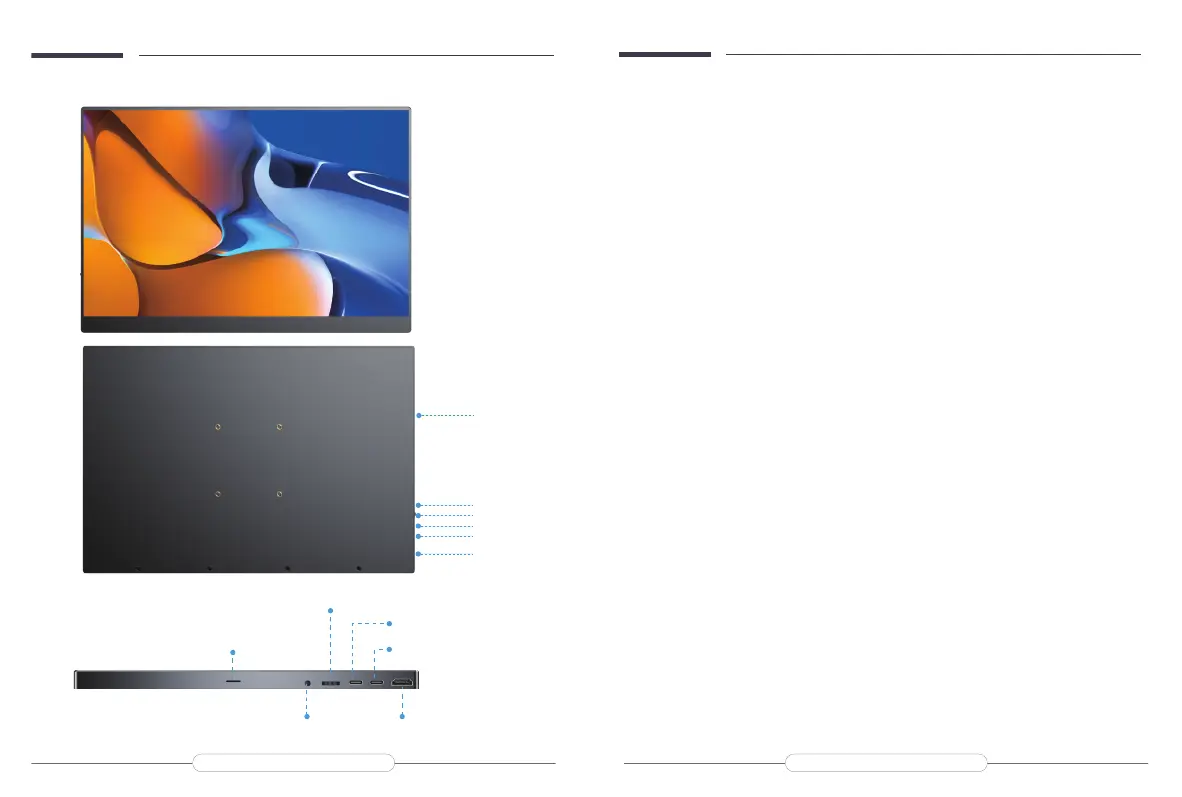
A: HDMI Port
For signal transmission
B: Type C Port
For power and signal transmission.
C: PD Port
For power supply.
D: Pulley Button
Scroll up the Pulley button in the main interface to open the volume menu and
adjust the volume by up and down.
Scroll down the Pulley button in the main interface to open the Brightness menu,
and up and down to adjust the brightness.
Press the Pulley button to enter the OSD (On-Screen Display) menu.
Scroll the Pulley button up and down in the menu to control the cursor;
E: 3.5mm Audio Jack
For earphones.
F: Speaker
Product Appearance & Interface Function Introduction
3.5mmAudioJack
Speaker
HDMIPort
PulleyButton
PDPort
TypeCPort
A
B
C
D
E
F
Email: help@uperfectmonitor.com Email: help@uperfectmonitor.com



 To Next Page