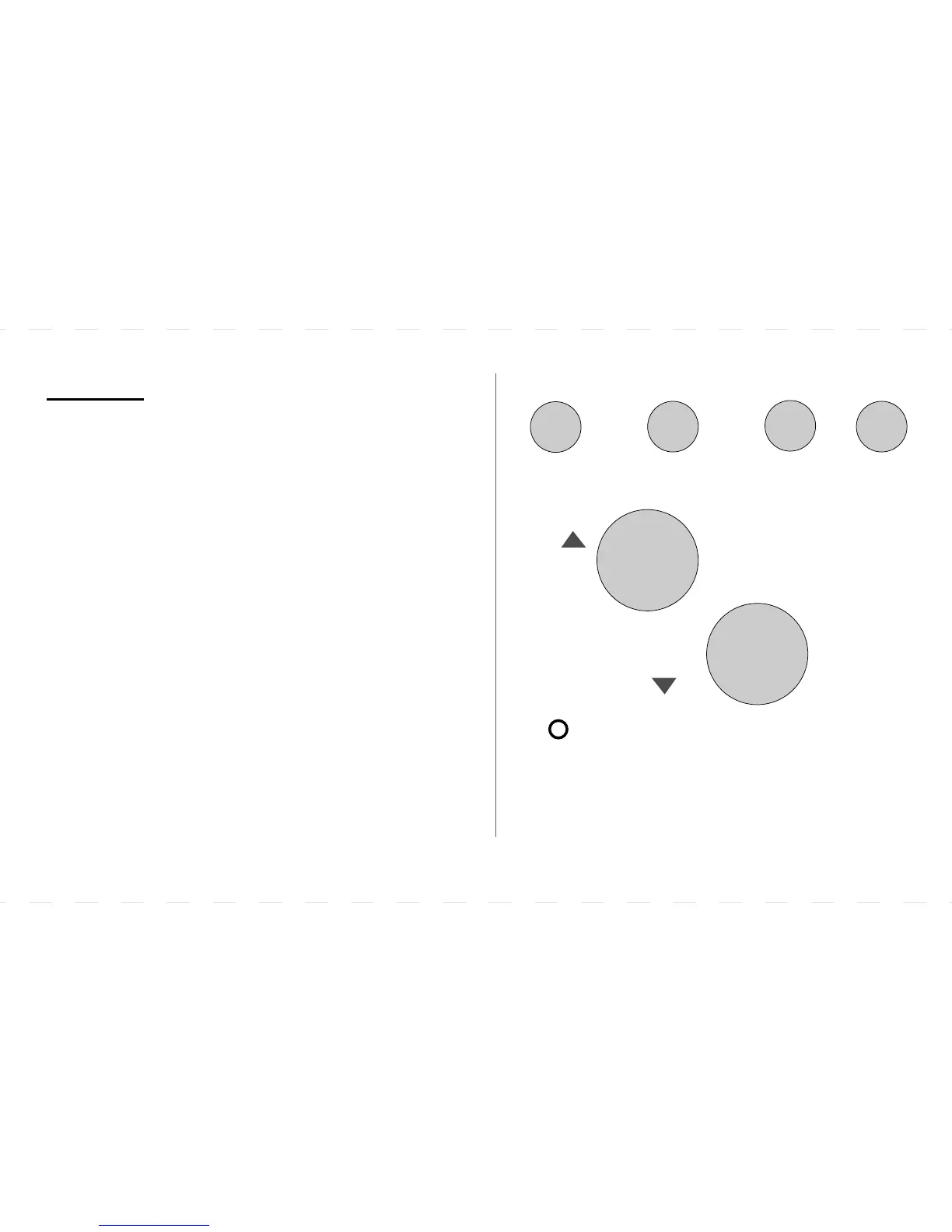
Buttons
11
USAGE/TIME
OPTION/COPY
HOLD/DAY
PROG
UP
DOWN
USAGE/TIME
To set the current and program time or to display
the total heater usage time per day or week.
OPTION/COPY
To set the user options or copying program
settings from one weekday to another.
HOLD/DAY
To override temperature programs or to set
the program the day of the week.
PROG
To enter PROGRAM mode and scroll settings.
UP/DOWN
To manually adjust the temperature or to make
selections in program mode or option mode.
RESET
Resets program /clock to factory defaults.
RESET
(Located under the faceplate)
Final Size: 5” x 3” / 12.5cm x 7.5cm



 To Next Page