5.5 Set the Comfort Levels
The thermostat lets you program a schedule for your
home that controls different temperatures at different
times of the day (and days of the week).
The schedule divides the day in four comfort levels. The
levels are defined by the time you wake up, leave the
house, return to the house and go to sleep.
Three programming mode options exist, which offers
different options for programming the schedule:
• Non-Programmable – Basic up/down override
temperature control.
• 5/2 Day Programming – 4 comfort levels for the
weekdays and 4 for the weekend.
• 7 Day Programming – 4 comfort levels for each
day.
See section “5.11 Optional Features” on page 12
for information on how to change programming modes
(Feature 12).
To schedule time and temperature, follow these steps.
(The instruction below is for 5/2 Day Programming.
It starts by programming the schedule for weekdays,
followed by weekends.)
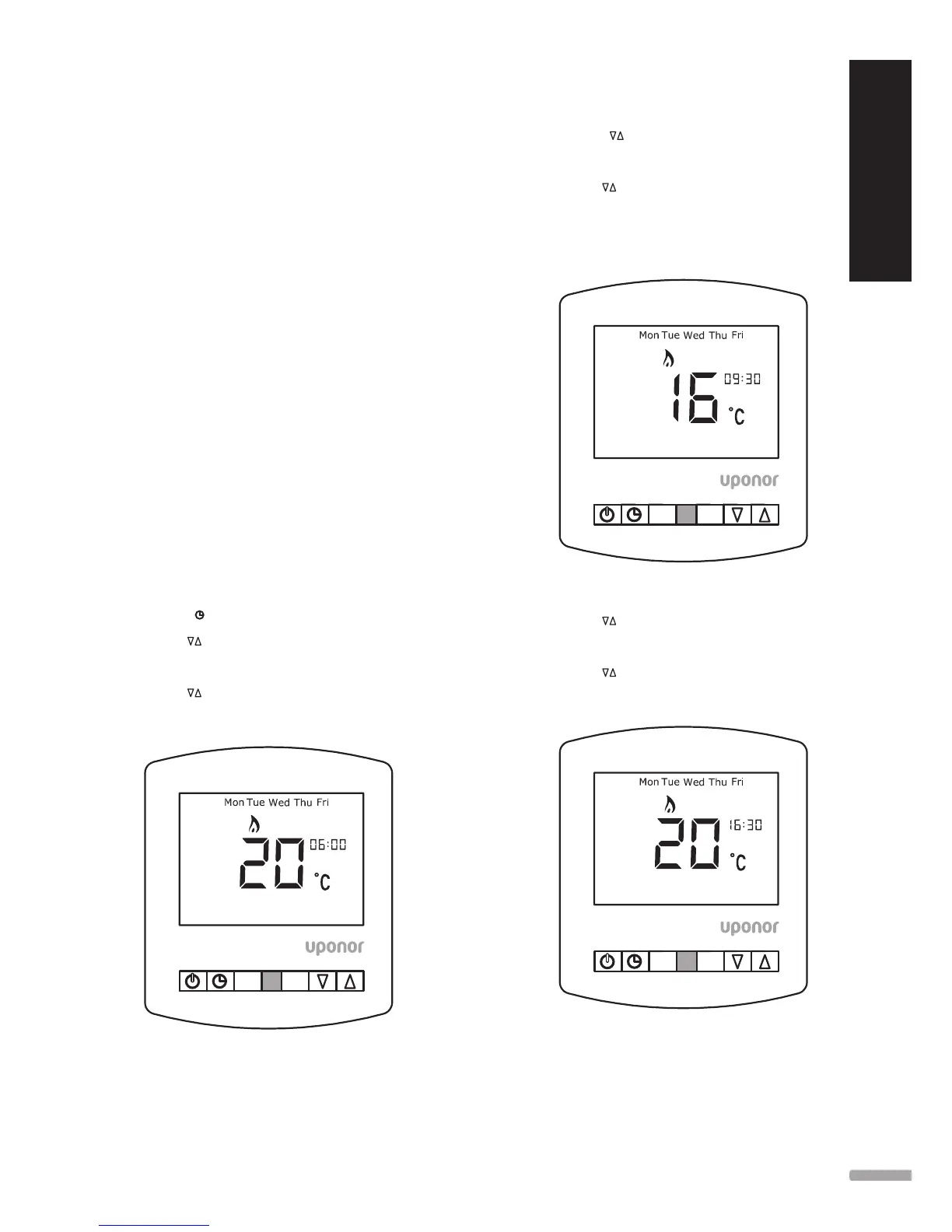
1. Set the wake time and temperature.
A. Press
once.
B. Use
to adjust wake time.
C. Use H to accept.
D. Use
to adjust temperature.
E. Press H to accept.
H A
WAKE
2. Set the leave time and temperature.
A. Press
to adjust leave time.
B. Press H to accept.
C. Use
to adjust temperature.
D. Press H to accept.
Note: Uponor recommend reducing the setpoint
temperature by 4 °C.
HA
LEAVE
3. Set the return time and temperature.
A. Use
to adjust return time.
B. Press H to accept.
C. Use
to adjust temperature.
D. Press H to accept.
HA
RETURN
9










 To Next Page