7
Complete Control
MX-1400
Owner’s Manual
Table of Contents
Using Voice Control
The MX-1400 has the capability of using Amazon Alexa Voice Assistant to
control activities and devices programmed within the Alexa system.
For instructions on how to enable the Alexa Voice service, refer to page 9.
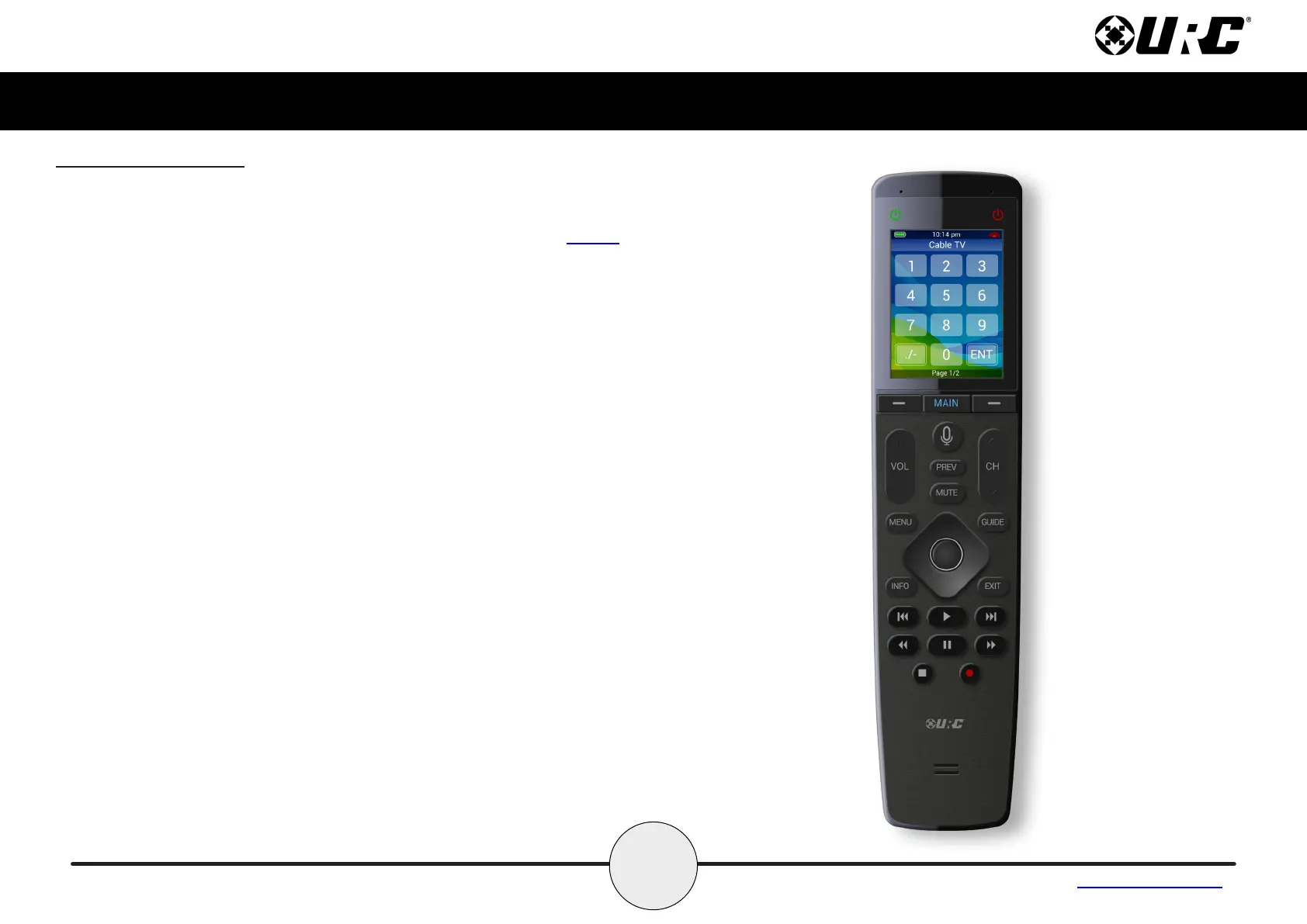
The MX-1400 preserves your privacy with a push-to-talk button on the remote
control. This means the Alexa Service is only listening when you want it too.
Issuing Voice Commands
Voice Commands can be issued easily and intuitively with the push-to-talk
button. This button removes the need to say “Alexa…”.
Press-and-hold the button and say phrases such as…
• “Set living room temperature to 72 degrees.”
• “Turn on patio lights.”
• “Turn off kitchen lights.”
• And much more…
The MX-1400 does not support the following Amazon Alexa features:
• Audio Playback via Amazon Music, Audible, or other music
services.
• Alexa Drop-In, calls, or video calls
• No graphical feedback



 To Next Page