Page 9
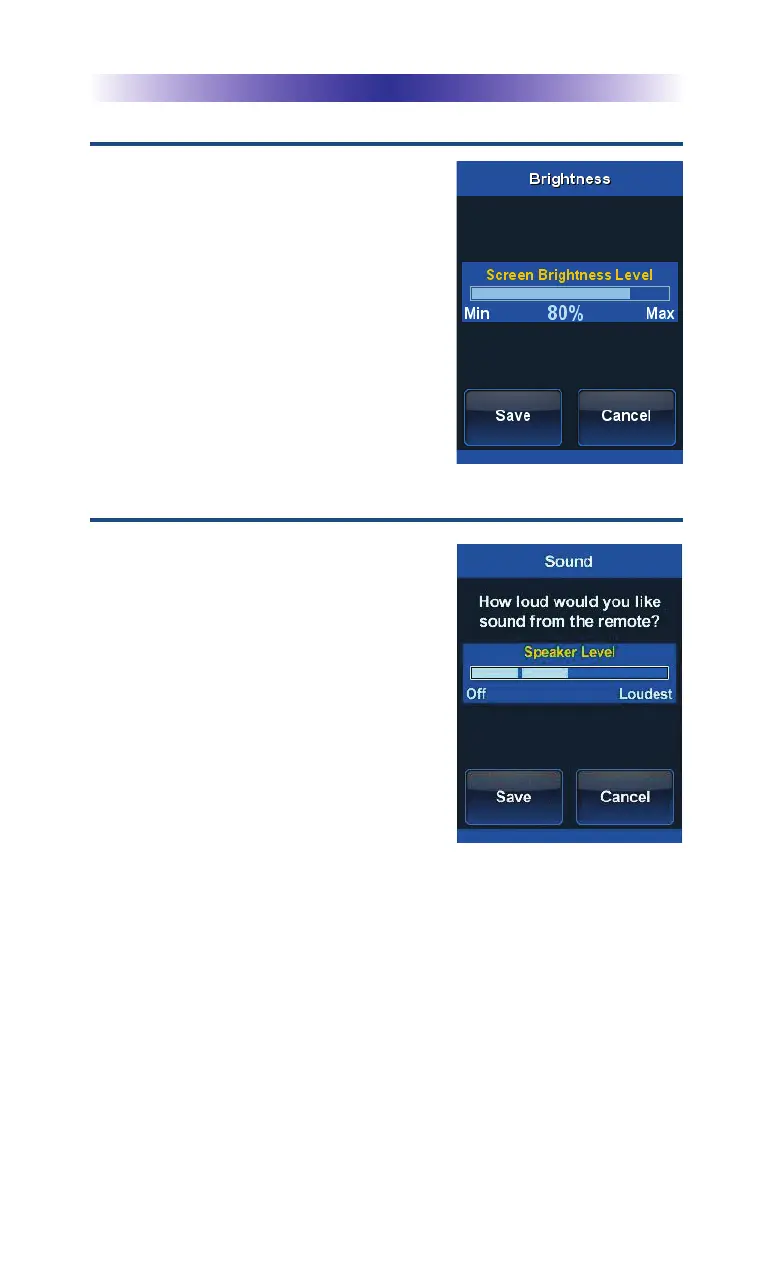
Brightness
Adjust the screen brightness by
pressing the adjacent hard buttons to
increase or decrease the brightness
level. Decreasing the brightness
improves battery performance.
Once the brightness is adjusted,
press the Save button. Pressing the
Cancel button reverts to the
remote’s last saved setting.
Sound
You can adjust the volume of the
MX-990i. Press the adjacent hard
buttons to increase or decrease the
volume level.
Once the sound is adjusted, press the
Save button. Pressing the Cancel
button reverts to the remote’s last
saved setting.
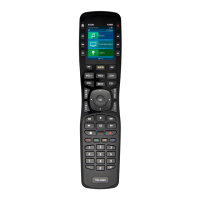
MX-990i Universal Remote



 To Next Page