Using The MX-990i
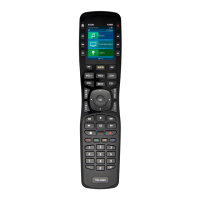
The MX-990i incorporates a custom user interface which may
be modified (by your Professional Custom Integrator) to look
many different ways. The use of this remote, in its basic
configuration is described below.
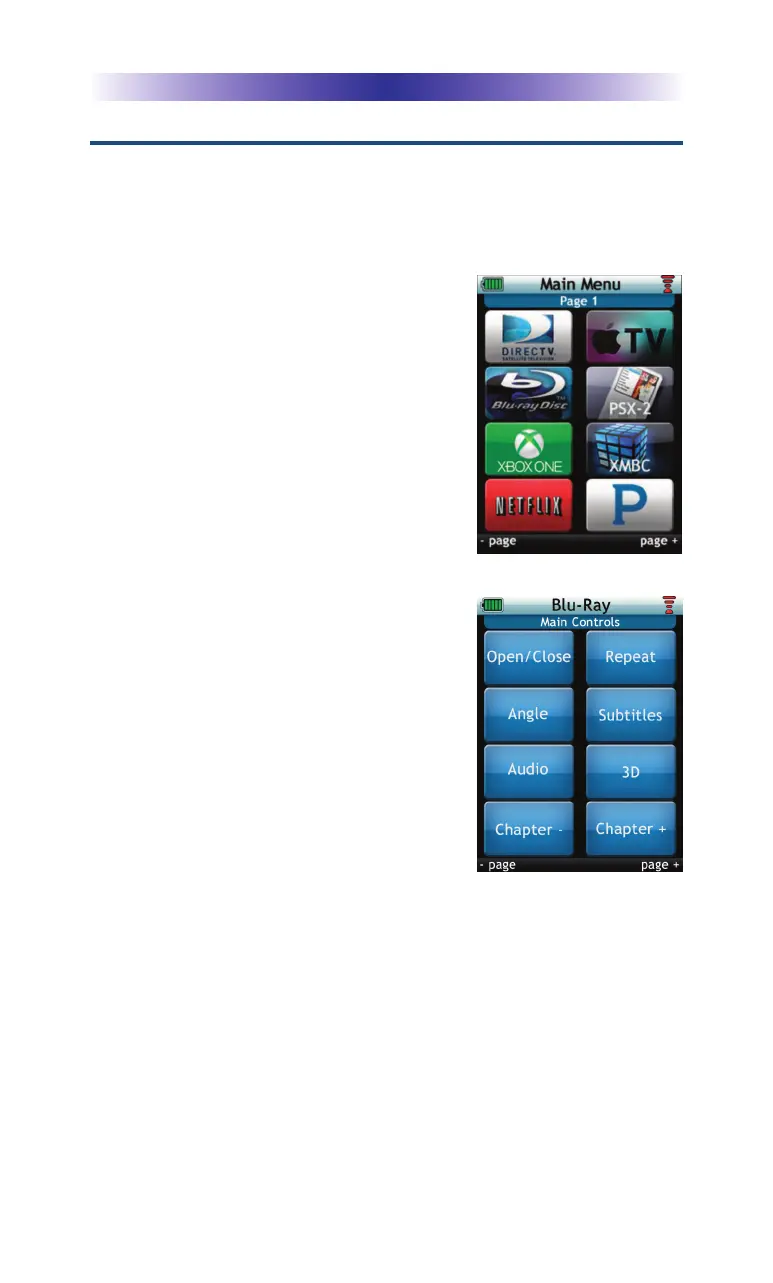
The MX-990i’s Main pages display the
activities and devices in your system.
Press the Main button to view the
activities and devices available in the
system. Large systems may have more
than one page. Press either of the Page
buttons to view additional options.
Press any LCD button to select that
activity or device.
Once an activity is selected the
on-screen icons change to display the
commands available for the activity
chosen. The Page buttons reveal even
more buttons for most devices amd
activities.
To control a different device (or select a
new activity) press the Main button and
select a new activity or device from the
Main page.
Page 5
MX-990i Universal Remote



 To Next Page