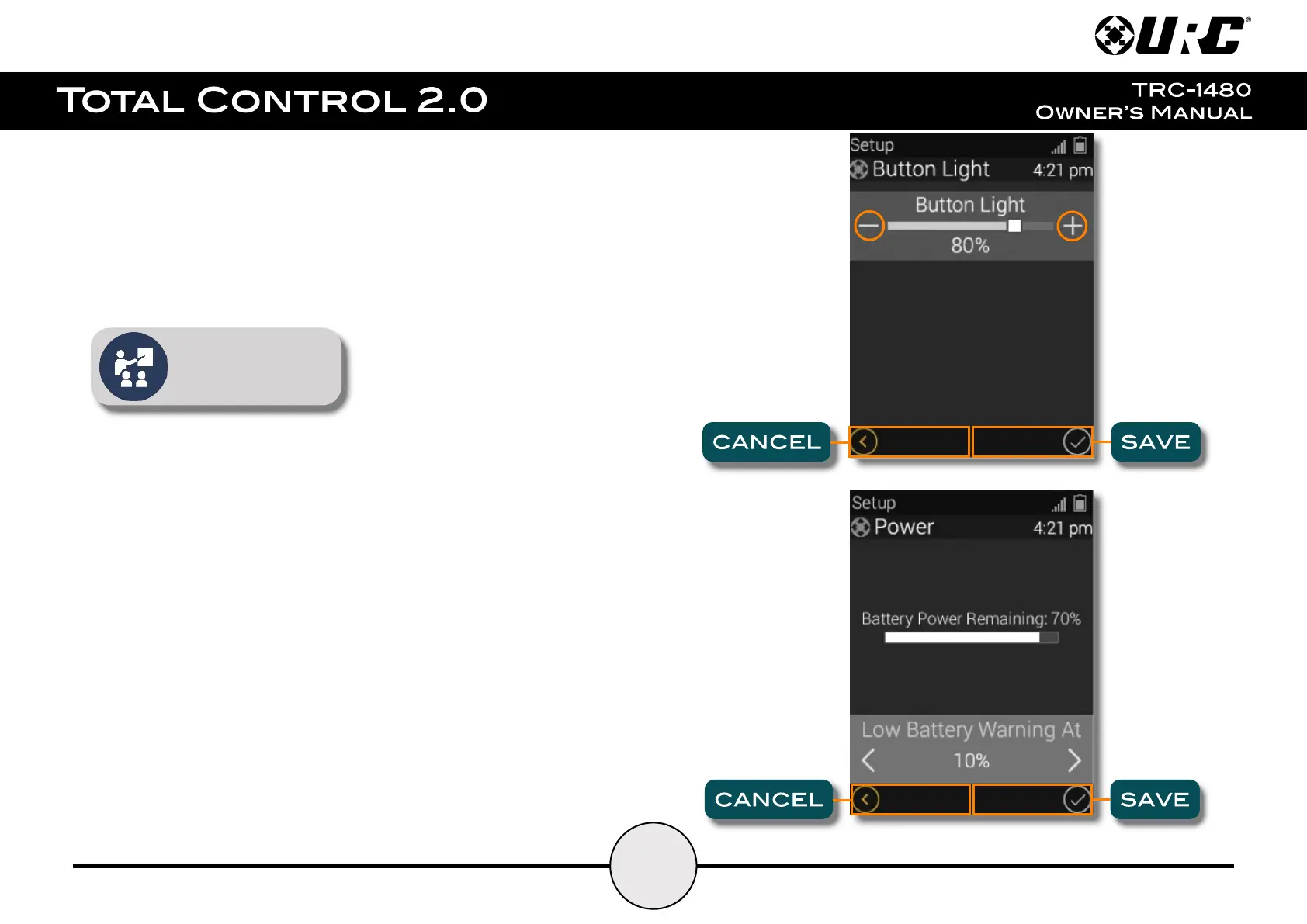
Button Light:
Adjust the brightness of the remote’s button backlighting. Press the adjacent LCD
buttons to increase or decrease the button backlighting.
Once the button back light has been adjusted, press the Save button. Pressing
Cancel reverts the remote to the last saved setting.
Brighter button light levels
may reduce the TRC-1480’s
battery life.
Power:
Displays the remote’s remaining battery level. Adjust when the “Low Battery”
warning screen appears.
Once the Power settings have been adjusted, press the Save button. Pressing
Cancel reverts the remote to the last saved setting.



 To Next Page