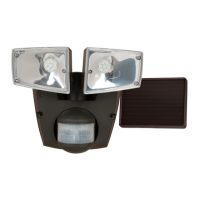
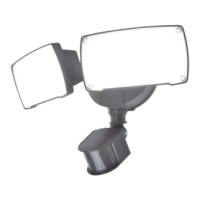
OPERATING INSTRUCTIONS
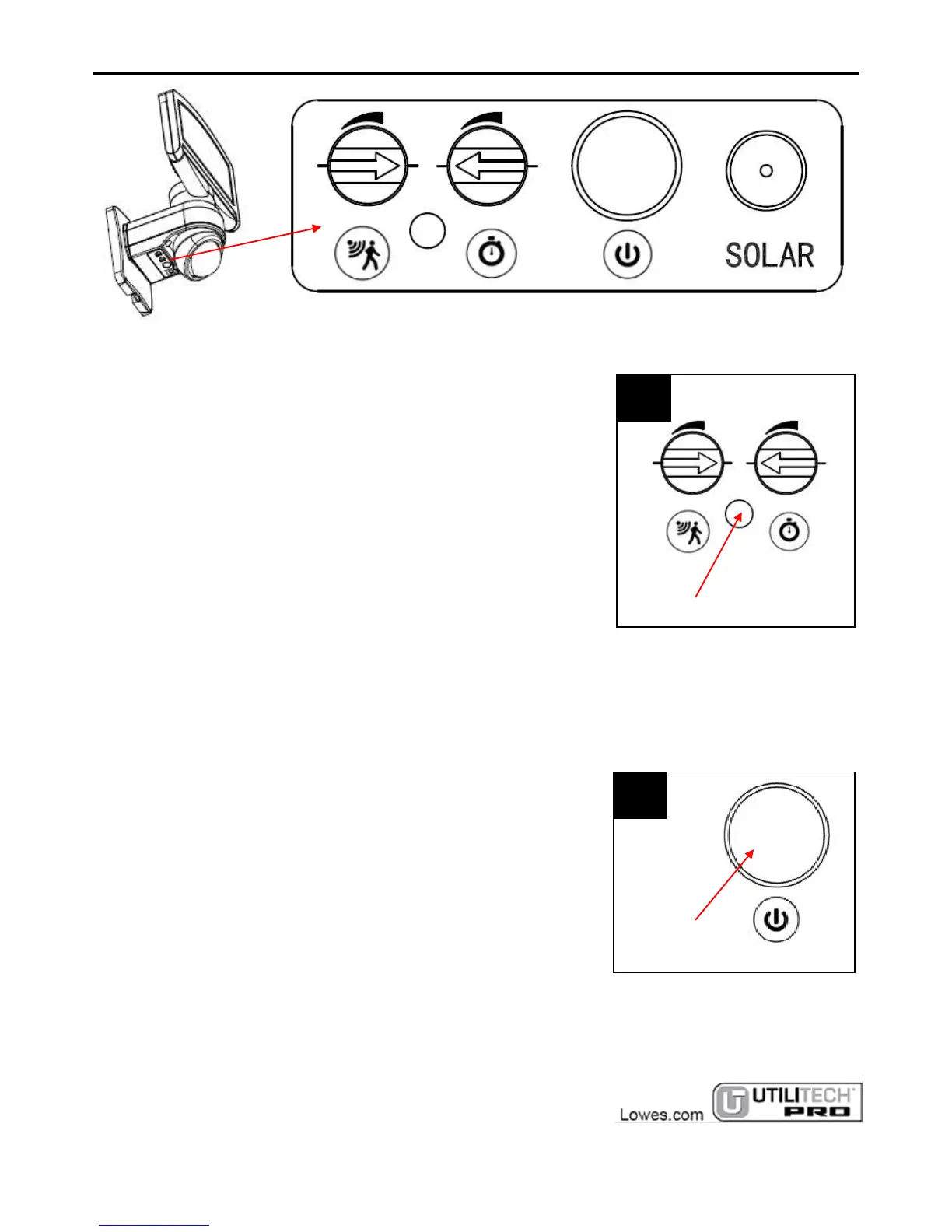
PHOTOCELL
If it is the daytime, the light will not illuminate. To test the fixture,
cover the photocell with electrical tape, turn on the switch and
the light will come on. If not, wave hand in front of the sensor,
the light will illuminate. Once you confirm it can illuminate,
remove the electrical tape.
POWER SWITCH:
Press to turn on the switch of the light. The light goes into
Sensor Mode. At night, the light will illuminate about 5 ~ 90
seconds when motion is detected. If new motion is detected
during the lighting time of previous motion, the lighting time will
start to accumulate again. NOTE: If pressed again, it will turn off
the sensor, and the light will not illuminate.


 To Next Page