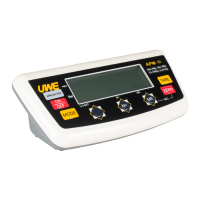
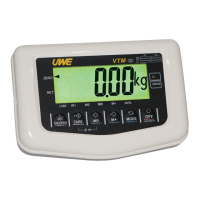
Syndrome Indicator displays
-----
Check Is the load cell signal cables connected
to the indicator properly?
Action Recheck signal cable connections.
Check Is load cell working properly?
Action Check load cell input/output.
Syndrome Display shows 00000 after counting down
Check Is the load applied to platter excess the
acceptable power-on zero range?
Action Remove all loads from platter and try again.
Syndrome Weighing result is not accurate
Check Is the scale placed in a level condition?
Action Obtain a level condition.
Check Is the scale affected by airflow, vibration
or RFI?
Action: Place the scale away from all disturbances.
Check Is the indicator calibrated correctly?
Action Contact your dealer.



 To Next Page