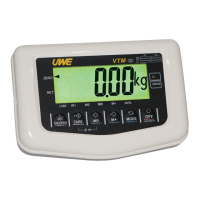
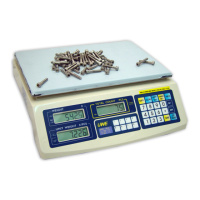
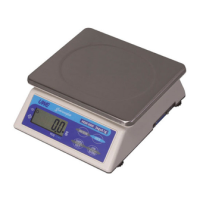
FUNCTION DEFINITION AND SETUP
● Press and hold TARE and press ON/OFF, display shows F1
● Use TARE (next) or MR (previous) to scroll through the internal setting menu, and press MODE
to enter the setting.
● Use ZERO in sub-setting menu to scroll through available options. Press MODE key to confirm
and exit.
● Press ZERO and display will show SAVE. If setting was changed, user can either press MODE for
yes to save the changes made or press ZERO for not to save the changes.
CAUTION: BEFORE LEAVING THE INTERNAL SETTING, ALL CHANGES MUST BE SAVED OTHERWISE
THE SCALE WILL STILL FUNCTION UNDER THE OLD SETTING.
Offset Value & Function Key Test (F1)
Under this function scale will show the offset value and be able to check the function of each key.
LCD Segment Check and Backlight Adjustment (F2)
Under this function all segments and indicators will be in flashing mode as well as backlight for user
to check if function properly.
Press ZERO to adjust the backlight brightness. There are five settings, press MODE to confirm
setting. Backlight brightness also has 5 level selections for optimal viewing.
Auto Power Off (F4)
Under this function, user can select auto power off timing among 5 minutes, 10 minutes, 15
minutes and 20 minutes or disable the function. There are 5 settings, the numerical digit means the
minutes to power off when scale idles. ALL.on means the Scale will never automatically turn off
unless manual intervention.
5.oFF -> 10.oFF -> 15.oFF -> 15.oFF -> ALL.on
Transmission Protocol (F5)
Under this function, user can select the transmission interface, speed, mode and format for RS-232
and also the communication protocol.


 To Next Page
 Loading...