2 EASY
4.3 Gateway
• Input 1-01 to call the monitor 01 in the BDU 1 when it is in
Gateway
mode,And input 2-02 to call the monitor 02 in the
BDU 2 when it is in
Gateway mode
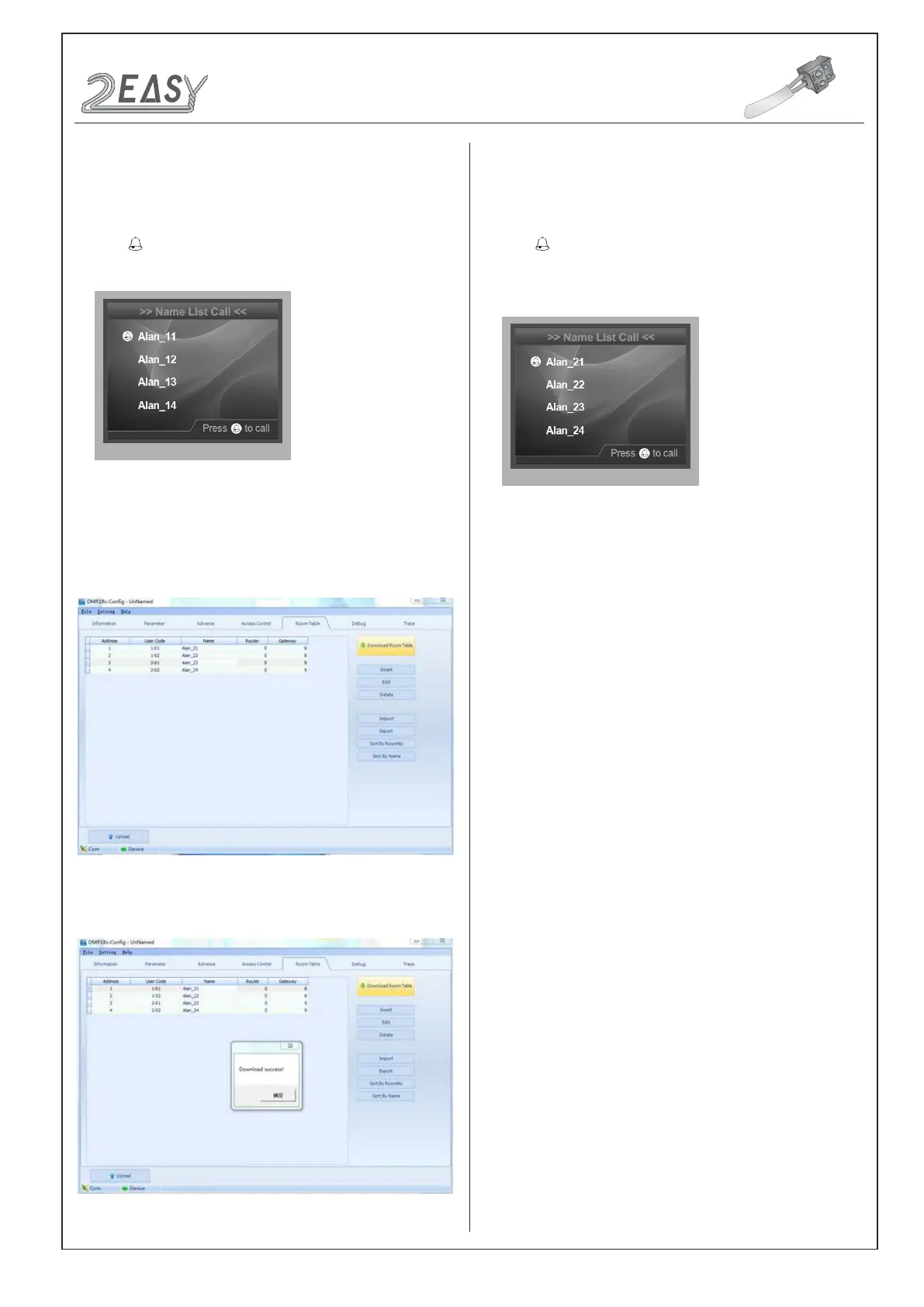
, see the following picture:
• Click Download Room Table to download the namelist.
• Check Name List on DMR18S
Set the DMR18S
Work Mode
as 2 (more details refer to
Work Mode
setting section).
• Press
touch button to enter
Name List
page. See the following
picture shows.
• Check Name List on DMR18S
Set the DMR18S
Work Mode
as3 (more details refer to
Work Mode
setting section).
• Press touch button to enter
Name List
page. See the following
picture shows.
CONFIGURATIONS
System Update
DMR18S Technical Menu -15-



 To Previous Page