2 EASY
Input Mode
: In standby mode. Input #8001+ Code ( 66666666 by
default), then select “ 5 ” item to set the
Doorplate Mode
, for exam-
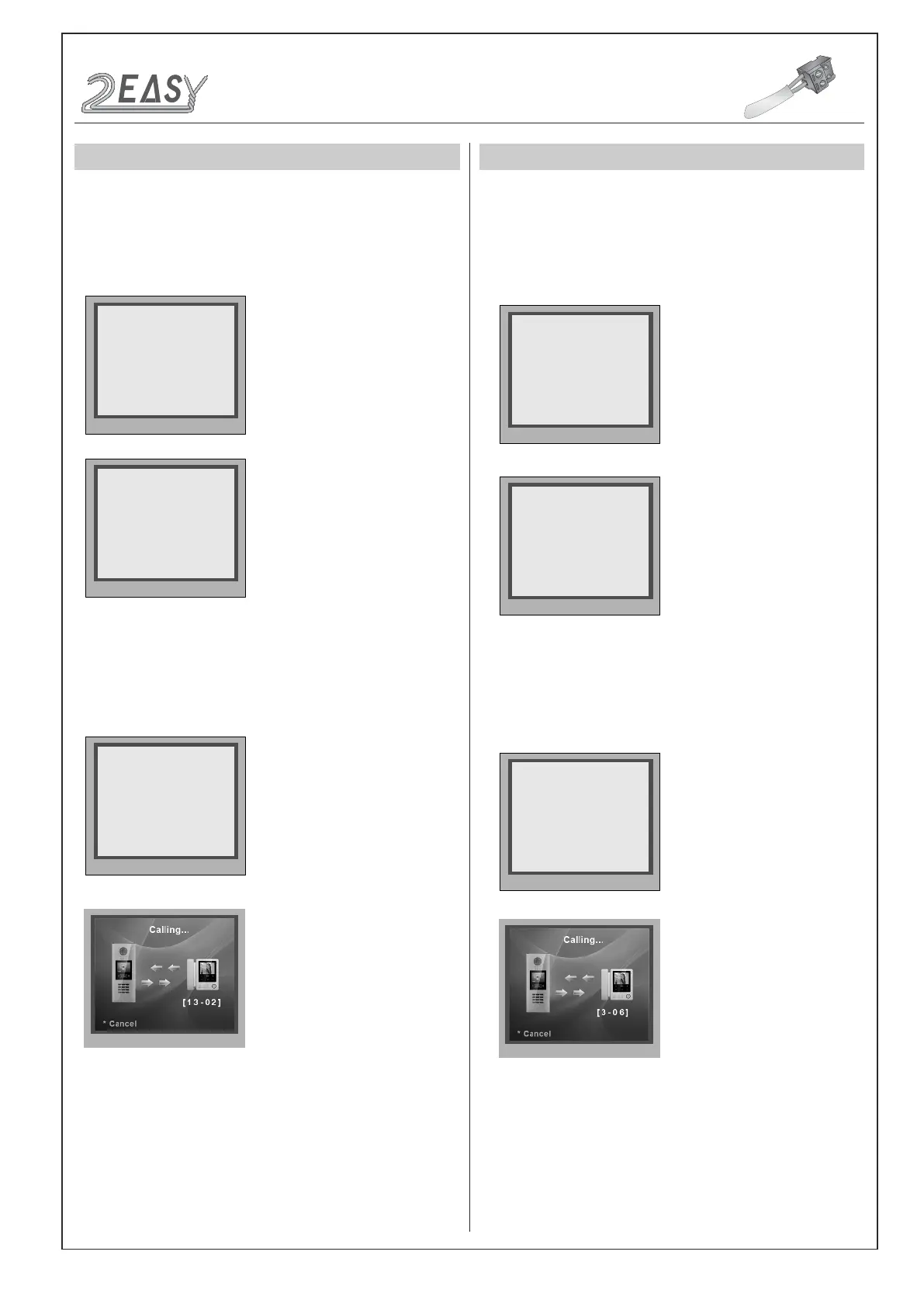
ple input 13-02 to call the monitor. As the following picture shows: 13
means the 13th oor, and 02 means the second room numbe.
The
Router Mode
is used for the big capacity system which has plen-
ty of apartments for blocks with BDU unit. The namelist can be updat-
ed by SD Card or DT-Cong (More details refer to
Update Namelist
Section
).
Work Mode Set to
2
, and ID code set to
0~3
.
The
Gateway Mode
is used for the community network system, the
common door station is connected in the system which can call all the
monitors. Besides, if the door station is connected in each block,it can
call the monitors in the block.
Work Mode set to
3
, and ID code set to
0~3
.
DT-BDU ROUTER MODE
DT-BDU GATEWAY MODE
* Cancel # Save
(0~3)
[ 2 ]
5. Work Mode [0]
* Cancel # Save
[ * * * 1 1 - 1 1 ]
5. Doorplate Mode [11]
0: *
1: 123
2: ABC
3: -
* Cancel # Save
(0~3)
[ 0 ]
1. ID Code [0]
Input Mode
: In standby mode. Input #8001+ Code ( 66666666 by
default), then select “ 5 ” item to set the
Doorplate Mode
, for example
input 3-06 to call the monitor. As the following picture shows: 3 means
the third BDU, and 06 means the ID code of monitor is 06.
* Cancel # Save
(0~3)
[ 3 ]
5. Work Mode [0]
* Cancel # Save
[ * * * * 1 - 1 1 ]
5. Doorplate Mode [11]
0: *
1: 123
2: ABC
3: -
* Cancel # Save
(0~3)
[ 0 ]
1. ID Code [0]
CONFIGURATIONS
Work Mode
DMR18S Technical Menu -9-



 To Next Page