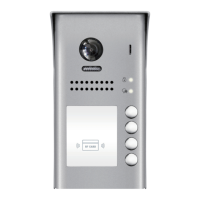
-1-
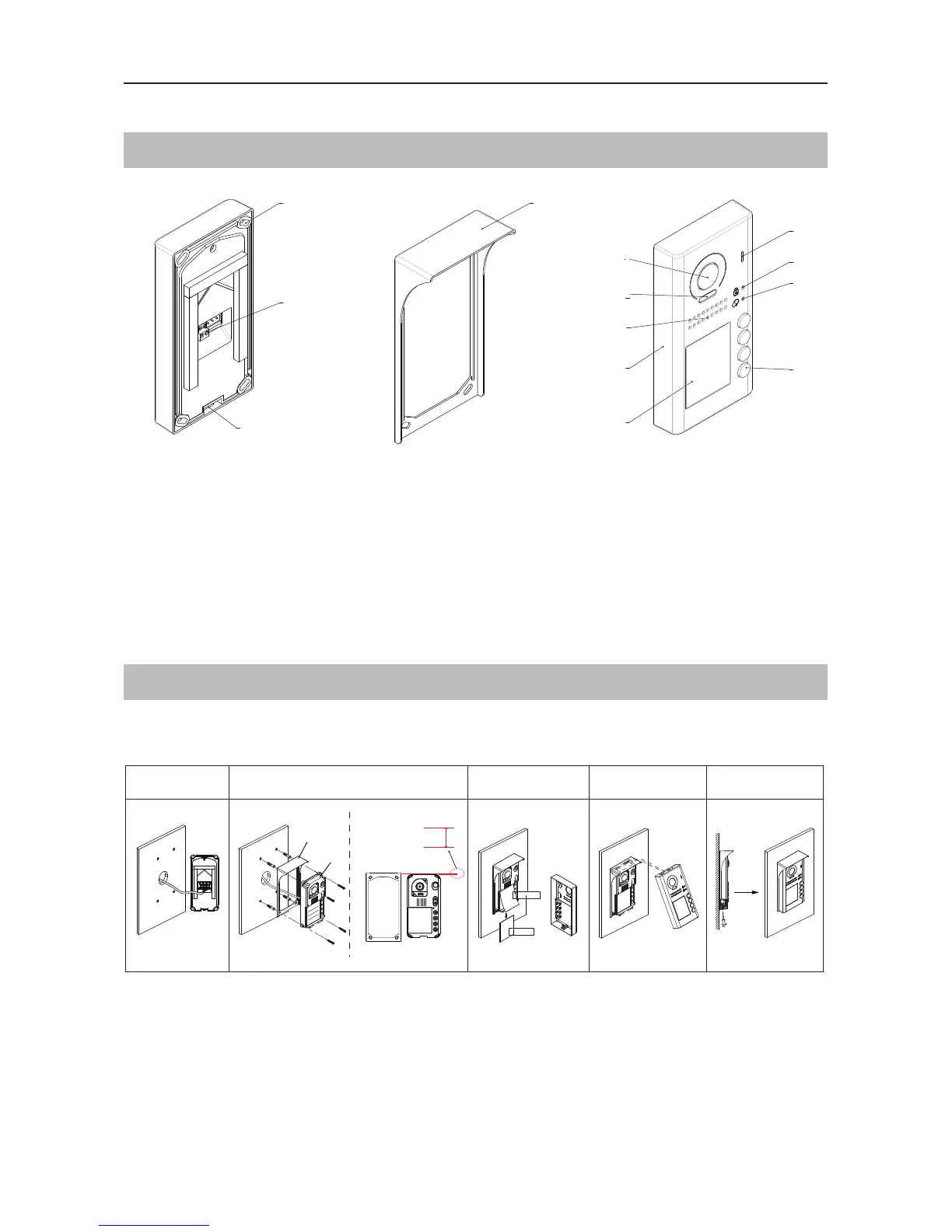
Parts Names
PARTS AND FUNCTIONS
[11]
[10]
[9]
[1]
[3]
[4]
[8]
[7]
[6]
[5]
[12]
[13]
[2]
[1] Microphone
[2] UNLOCK indicator
[3] CALL indicator
[4] Call button
[5] Nameplate
[6] Front panel
[7] Speaker
[8] Night view LED
[9] Camera lens
[10] Rain cover
[11] Mounting hook
[12] Connection port
[13] Screw hole
Mounting
1 2 3 4 5
AcDbMLeader (ACDB_MLEADER_CLASS)
AcDbMLeader (ACDB_MLEADER_CLASS)
Rain cover
Rainy cover
The distance between
the top of main unit
and rain cover should
be not less than 3mm.
Main unit
Main unit
≥3mm
1. Connect the cable
2. Drill holes in the wall to match the size of screw stoppers,then attach the rain cover and
main unit to the wall. Distance between the top of main unit and rain cover should be not less
than 3mm
3. Install the name plate
4. Attach the front cover to the main unit
5. Use supplied allen key and the screws to x the cover
The installation height is suggested to 145~160cm


 To Next Page
 Loading...