-6-
SETUP INSTRUCTIONS
Setting Unlock Mode
There are 2 unlock modes, Normally opened and Normally closed
Normally opened is default. To change
it,
please follow the steps:
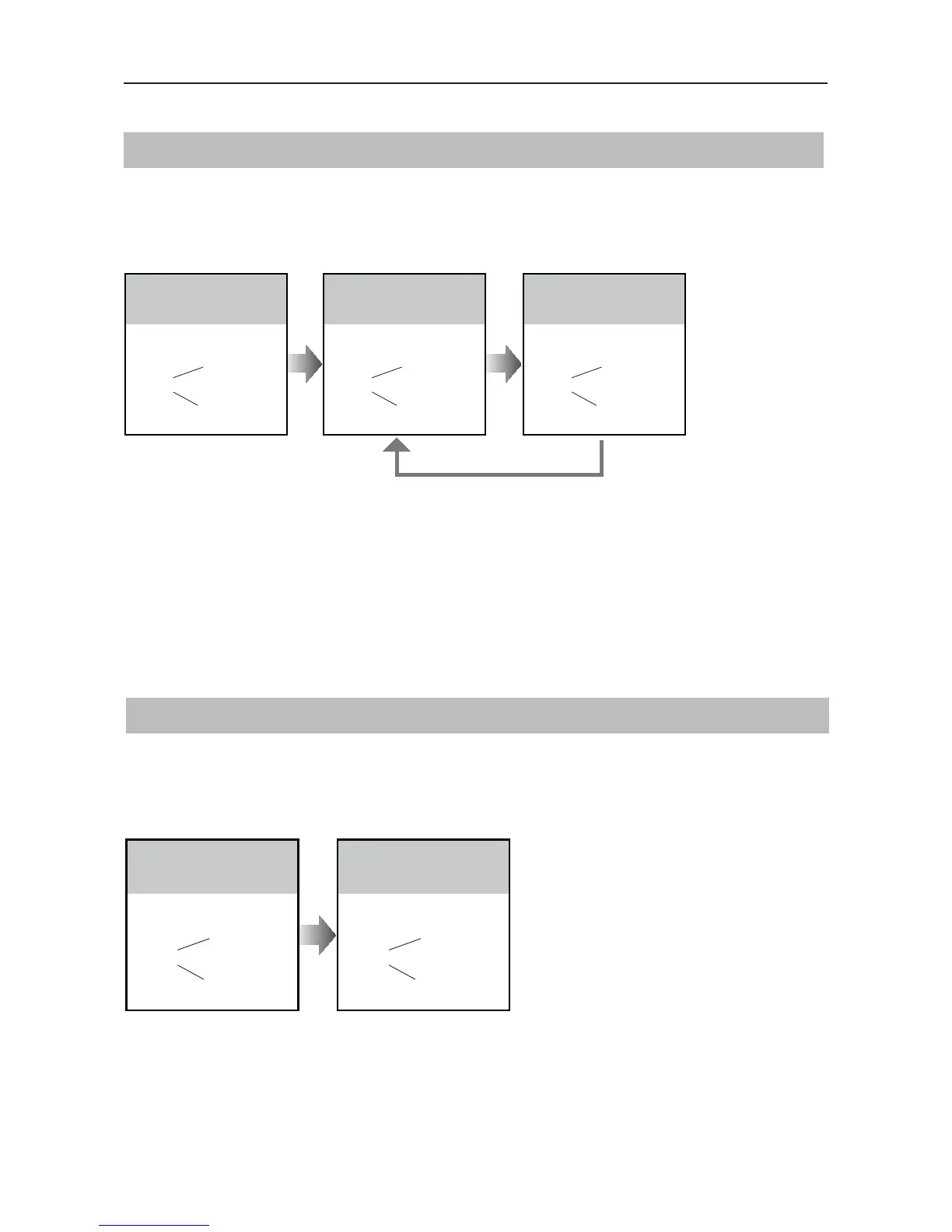
UNLOCK Indicator:ON
TALK Indicator:OFF
Buzzer
Beep+, Beep
In standby mode, press
KEY_SET button three
times
UNLOCK Indicator:ON
TALK Indicator:OFF
Buzzer
Beep+
Press KEY_1 button to set
the unlock mode to
Normally opened
UNLOCK Indicator:ON
TALK Indicator:OFF
Buzzer
Beep, Beep
Press KEY_1 button again
to set the unlock mode to
Normally closed
Press KEY_1
• If setting mode has not been exited, you can change the unlock mode by pressing KEY1 circularly
• The LED_NAME indicator will blink until the setting mode is exited
• No operation for 10 seconds will exit the setting mode automatically
• Press KEY_SET button twice to exit the setting mode manually
Setting Unlock Time
Default unlocking time is 1s. Can be changed to anything from range 1s~99s
Follow the steps:
UNLOCK Indicator:ON
TALK Indicator:OFF
Buzzer
Beep+, Beep
In standby mode, press
KEY_SET button three
times
UNLOCK Indicator:ON
TALK Indicator:OFF
Buzzer
Beep,Beep......
Press and hold on KEY_2
button. The time you holding
on is the new unlock time
• When entering time delayed setting, the buzzer sounds ones per second
• The LED_NAME indicator will blink until the setting mode is exited
• No operation for 10 seconds will exit the setting mode automatically
• Press KEY_SET button twice to exit the setting mode manually


 To Next Page
 Loading...