ENGLISH
- 34 -
7 - TRANSMITTER PROGRAMMING
m If, at the start of the following procedures, the
“set”, “radio” and “start” LEDs flash, it means that the
programming protections have been activated – see
Paragraph 13.1.
m To interrupt the following programming procedures at
any time, press the SET and RADIO buttons simultaneously
or wait 10 seconds.
7.1 - START BUTTON PROGRAMMING
1. Press the RADIO button for 1 second: The red “radio” LED
lights up steadily
2. Press the desired button of all the transmitters to be
programmed: the red “radio” LED flashes
3. Press the SET and RADIO buttons simultaneously or wait 10
seconds to exit the procedure
7.2 - PROGRAMMING OF THE PEDESTRIAN
START BUTTON
1. Press the RADIO button for 1 second: the red “radio” LED
lights up steadily
2. Press the START button for 1 second: the red “radio” LED
remains lit and the green “start” LED lights up steadily
3. Press the desired button of all the transmitters that you
want to program: the red “radio” LED flashes and the green
“start” LED stays on steady
4. Press the SET and RADIO buttons simultaneously or wait 10
seconds to exit the procedure
7.3 - TOTAL DELETION OF TRANSMITTERS IN
MEMORY
1. Press the RADIO button for 4 seconds: the red “radio” LED
flashes
2. Press the RADIO button for 1 second: the red “radio” LED
flashes quickly
3. Erasing the memory performed: the red “radio” LED turns off
7.4 - DELETION OF A SINGLE TRANSMITTER
1. Press the RADIO button for 4 seconds: the red “radio” LED
flashes
2. Press the SET button for 1 second: the red “radio” LED
flashes and the yellow “set” LED lights up steadily
3. Press a button on the transmitter to be deleted: the red
“radio” LED flashes and the yellow “set” LED flashes
4. Press the SET and RADIO buttons simultaneously or wait 10
seconds to exit the procedure
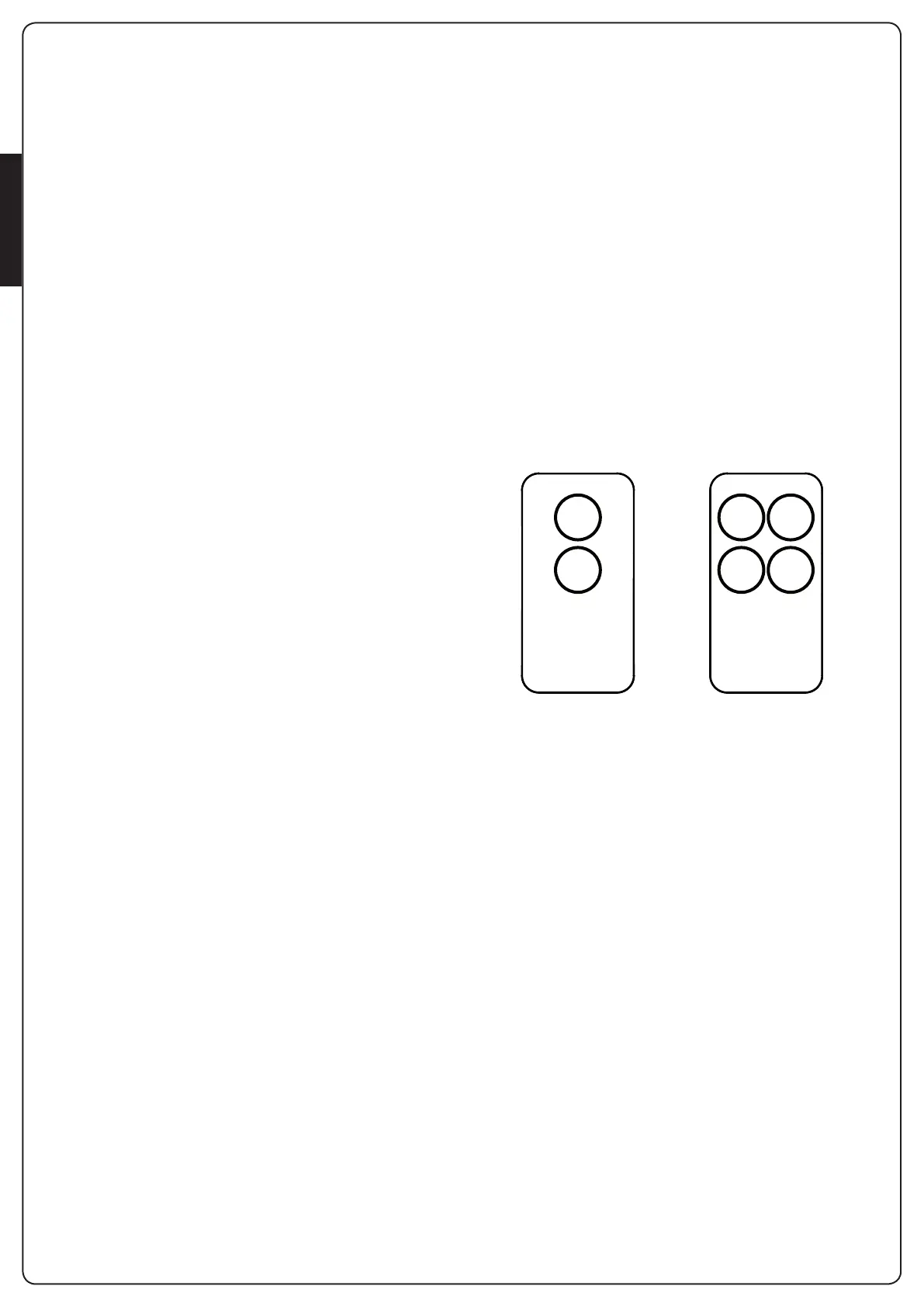
7.5 - REMOTE TRANSMITTER PROGRAMMING
1. Press key 1 and key 2 of a transmitter programmed for 4
seconds simultaneously
2. Press button 1 and button 2 of the transmitter you want to
program simultaneously for 4 seconds
1
2
1 2
3 4

 To Next Page
 Loading...