- 6 -
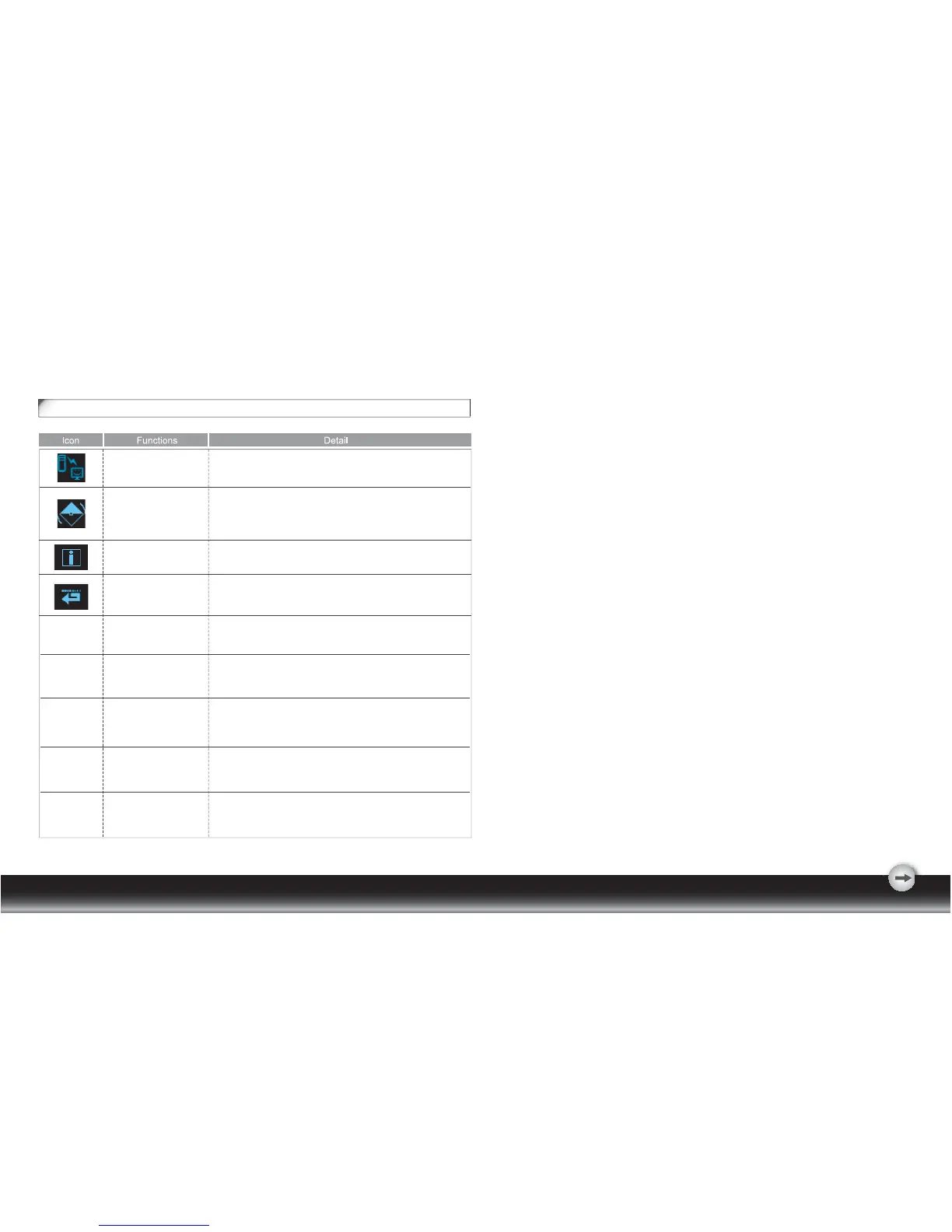
* Show the frequency, resolution, input interface and other
operating details about this display.
INFORMATION
DEMO
RECALL * Reset monitor parameters back to factory preset values.
* 2 seconds after activation of this function, some of the
menus will stimulate feature-grading effects 2 times over.
OSD Icon List
DDC/CI
* Select turn on or turn off DDC/CI function
* Factory default: on


 To Next Page