16 VRT 360 Operating Manual
4 Operation
If necessary, you can switch the room
thermostat from the week programme to
a daily programme.
• With the display in normal mode, press
the F button for 10 seconds.
When you programme time windows,
days of the week will no longer be dis-
played.
4.4 Setting the room temperature
The basic display shows the current
room temperature.
You can set the room temperature
directly from the basic display.
If the temperature level function is acti-
vated in the installer level (setting differ-
ent temperatures for each time window,
see 11.1), the room temperature which is
currently set appears in the display (T-H1,
T-H2, T-H3).
Setting the required room temperature
directly
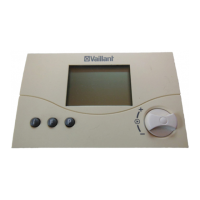
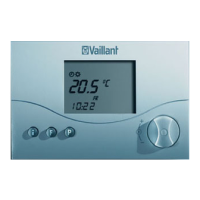
• Turn the dial (with the display in basic
mode).
The current temperature display disap-
pears, the sun symbol is displayed on
the mode level and the required room
temperature is shown (e.g. TEMP
20.0 °C).
• By turning the dial you can set the
required room temperature directly
(after 1 second).


 To Next Page