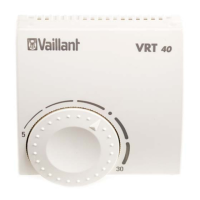
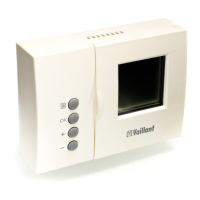
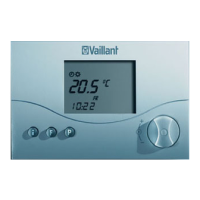
13VRT 360 Operating Manual
Operation 4
4.3 Setting timer programmes
The room thermostat is equipped with a
basic program (see table 4.2).
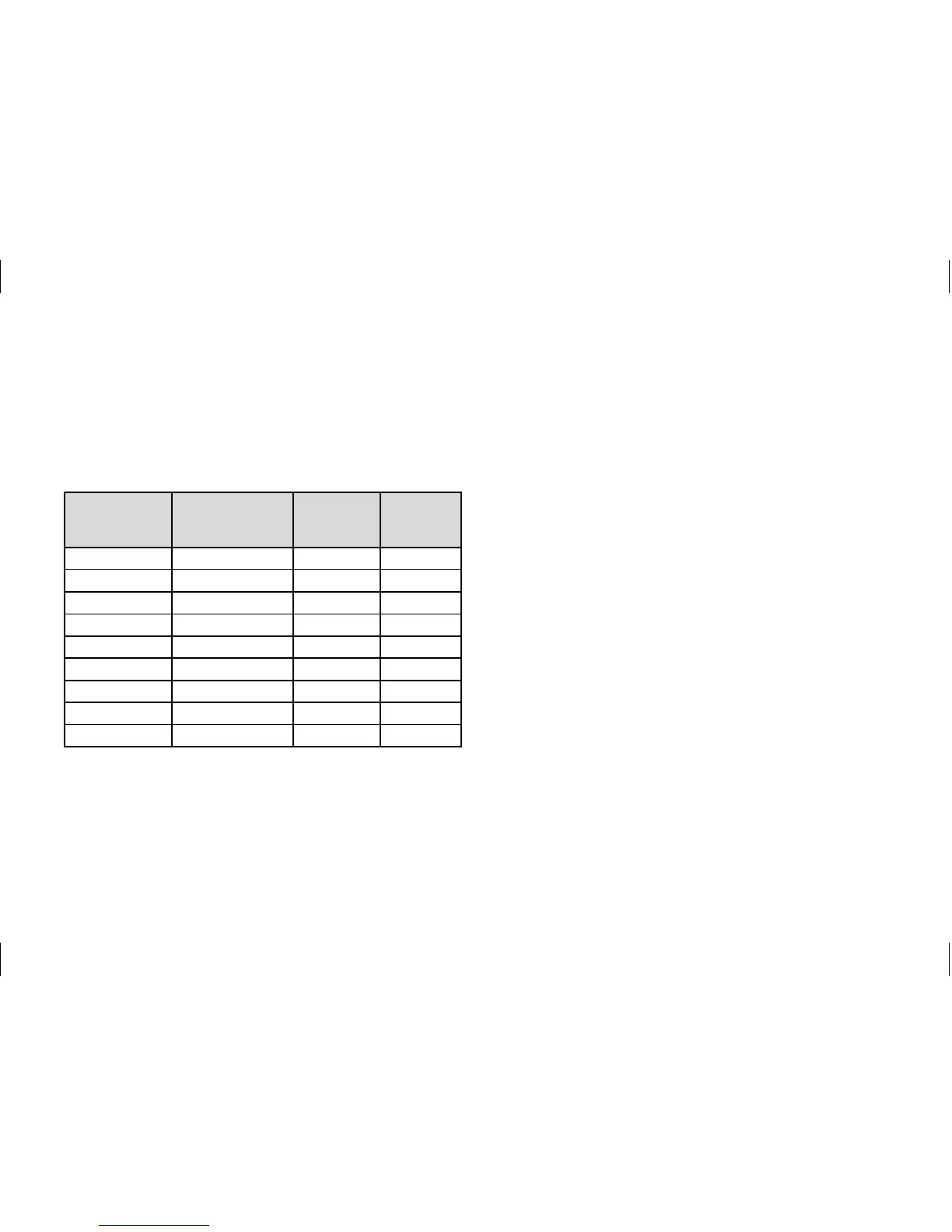
Time
window
Day / Block
of days
Start
time
End
time
H1 M0 - FR 6:00 22:00
H2 — — —
H3 — — —
H1 SA 7:30 23:30
H2 — — —
H3 — — —
H1 SU 7:30 22:00
H2 — — —
H3 — — —
Table 4.2 Default heating, hot water and cir-
culation pump programmes
You can adapt the default programmes
to suit your needs. There are six steps to
setting the times you want.
1. Press the programming button P
2. Select the timer programme (heating,
hot water or circulation pump)
3. Select the time window
4. Select the day or block of days
5. Set the start time
6. Set the end time
You can define three time windows for
each day.
When you press the P button the display
returns to basic mode.
The table below illustrates the individual
steps again, using the example of the hot


 To Next Page