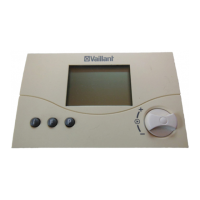
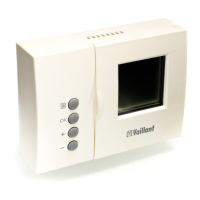
9VRT 360 Operating Manual
Operation 4
4.1 Setting the operating modes
Table 4.1 contains an overview of the
operating modes you can select. The
selected operating mode affects the
timer programmes both for heating and
for hot water and the circulation pump.
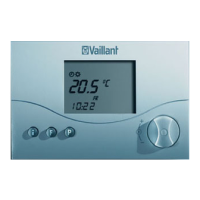
• When the room thermostat is in nor-
mal display mode, press the dial once –
the symbol for the selected mode
flashes in the display.
• Turn the dial until the display shows
the operating mode you want.
The display switches back to normal
mode after five seconds.


 To Next Page