32 VRT 360 Installation Manual
11 Start-up
11.1 Installer level
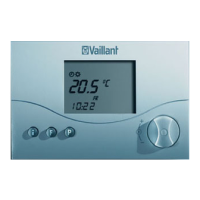
Press the P button to access the installer
level.
• Press the P button for 10 seconds.
The spanner symbol and the first
parameter appear in the display.
• Press the dial. You can select all the
system parameters in turn.
• Turn the dial to set the values you
want.
When you press the P button the display
returns to basic mode.
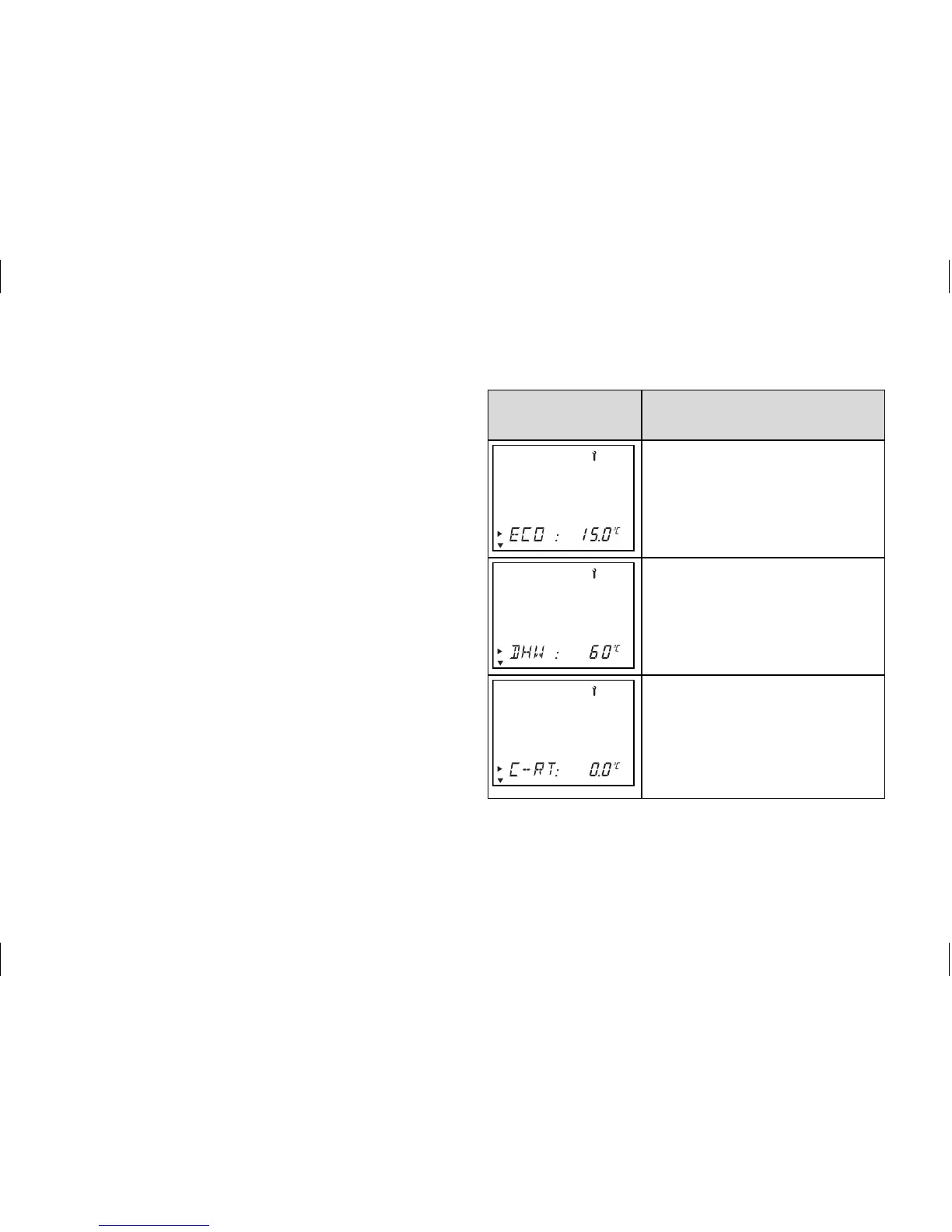
You can select and change the following
parameters:
Display Set by turning the dial
Set-back temperature
Default setting: 15 °C
Adjustment range:
5 ... 30 °C
Set hot water temperature
Default setting: 60 °C
Adjustment range:
35 ... 70 °C
Correction of actual room
temperature
Adjustment of the displayed
value by up to +/- 3 °C
Default setting: 0 °C


 To Next Page