18 VRT 360 Operating Manual
4 Operation
The display switches back to normal
mode after five seconds.
Setting the set-back temperature
“ECO”
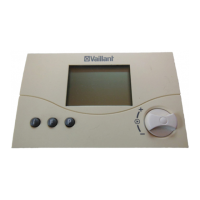
• Keep pressing the dial until ECO
appears in the display.
The set-back temperature is displayed
and starts flashing.
• Turn the dial until the required set-
back temperature is displayed (e.g.
ECO 15 °C).
The display switches back to normal
mode after five seconds.
4.5 Setting the hot water
temperature
You can set the hot water temperature
from the basic display. Please note the
set maximum hot water temperature on
the boiler.
• Press the dial several times until DHW
appears in the display. The set value
flashes.
• Turn the dial until the required hot
water temperature is displayed (e.g.
DHW 60 °C).
The display switches back to normal
mode after five seconds.


 To Next Page