20 VRT 360 Operating Manual
4 Operation
Display Required steps
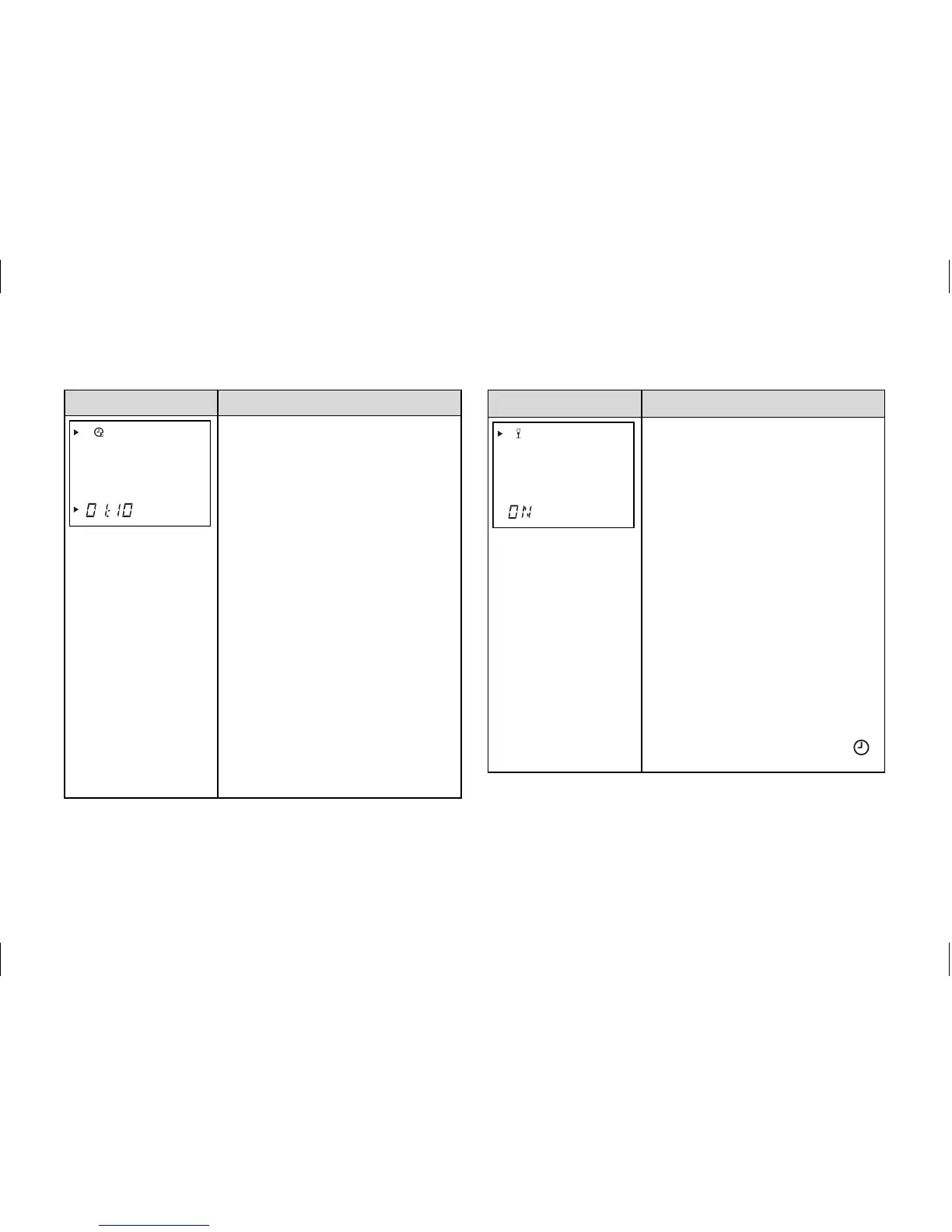
Energy-saving function
The energy-saving function lets
you lower the heating for an
adjustable period regardless of
the set heating programme.
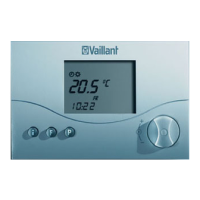
Press the special function but-
ton twice and the energy-saving
symbol appears on the display.
You will also see the time flash-
ing. By turning the dial you can
set the end time, up to which
the heating is set to lowering
mode. The display switches back
to basic mode after 10 seconds
and the function is activated. To
deactivate the function early,
all you need to do is press the
F button.
Display Required steps
Party function
When you activate the party
function the heating phase is
continued beyond the next low-
ering phase. This also applies
to the hot water and circulation
pump programmes. Press the
special function button three
times. The party symbol appears
in the display and the function is
activated after ten seconds.
The function is deactivated
automatically on reaching the
next heating phase.
If you want to deactivate the
function early, just press the F
button. This function can only be
activated in automatic mode
.


 To Next Page