User's Guide ______________________________________________________________________
40 ___________________________________________________________________M210784EN-E
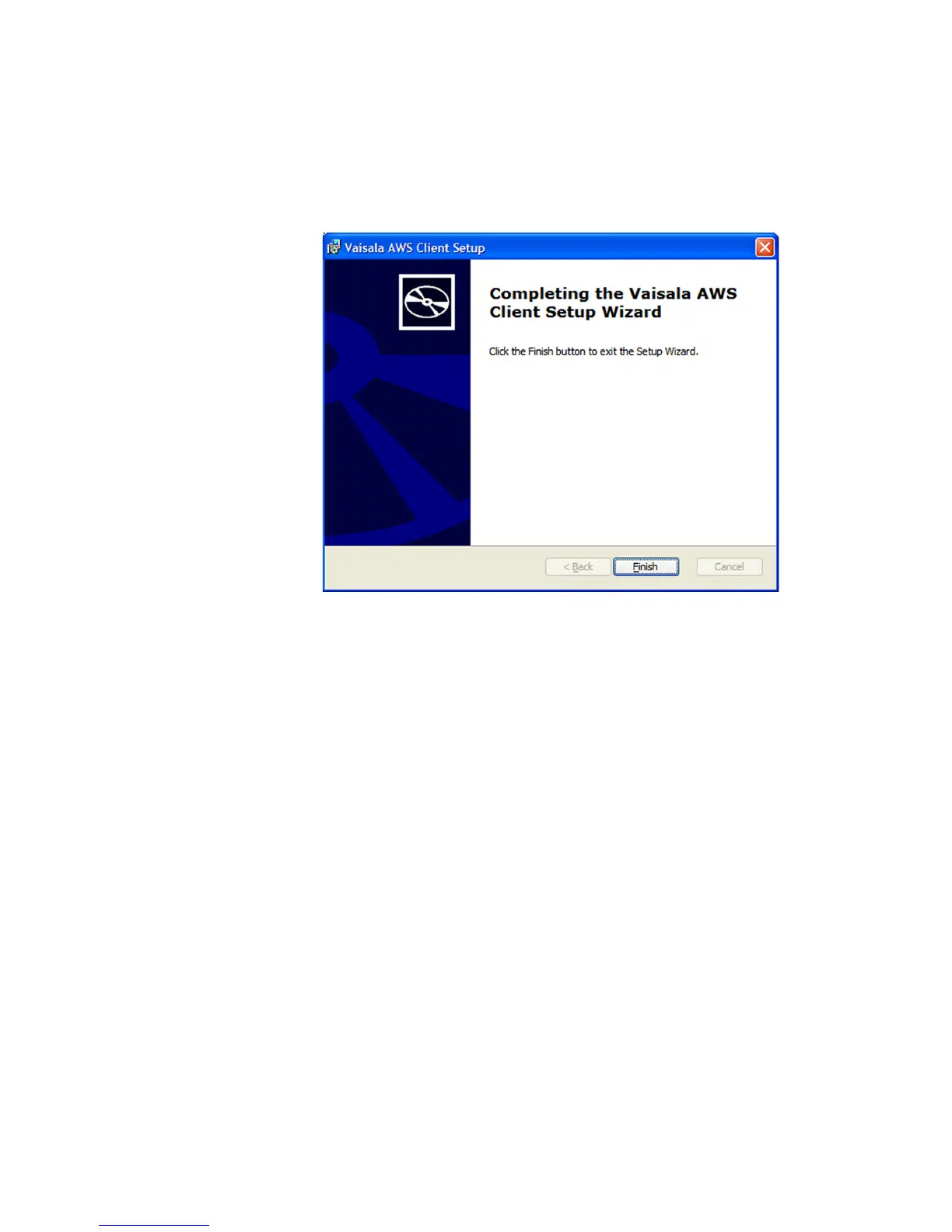
6. Once the installation is complete, the Installation Complete
window presented in Figure 17 on page 40 is displayed. Exit the
installation wizard by selecting Finish.
0802-047
Figure 17 Installation Complete Window
7. After installation, you can access the AWS Client software via the
Vaisala program group in the All Programs list in the Windows
Start menu.


 To Next Page