User's Guide ______________________________________________________________________
46 ___________________________________________________________________M210784EN-E
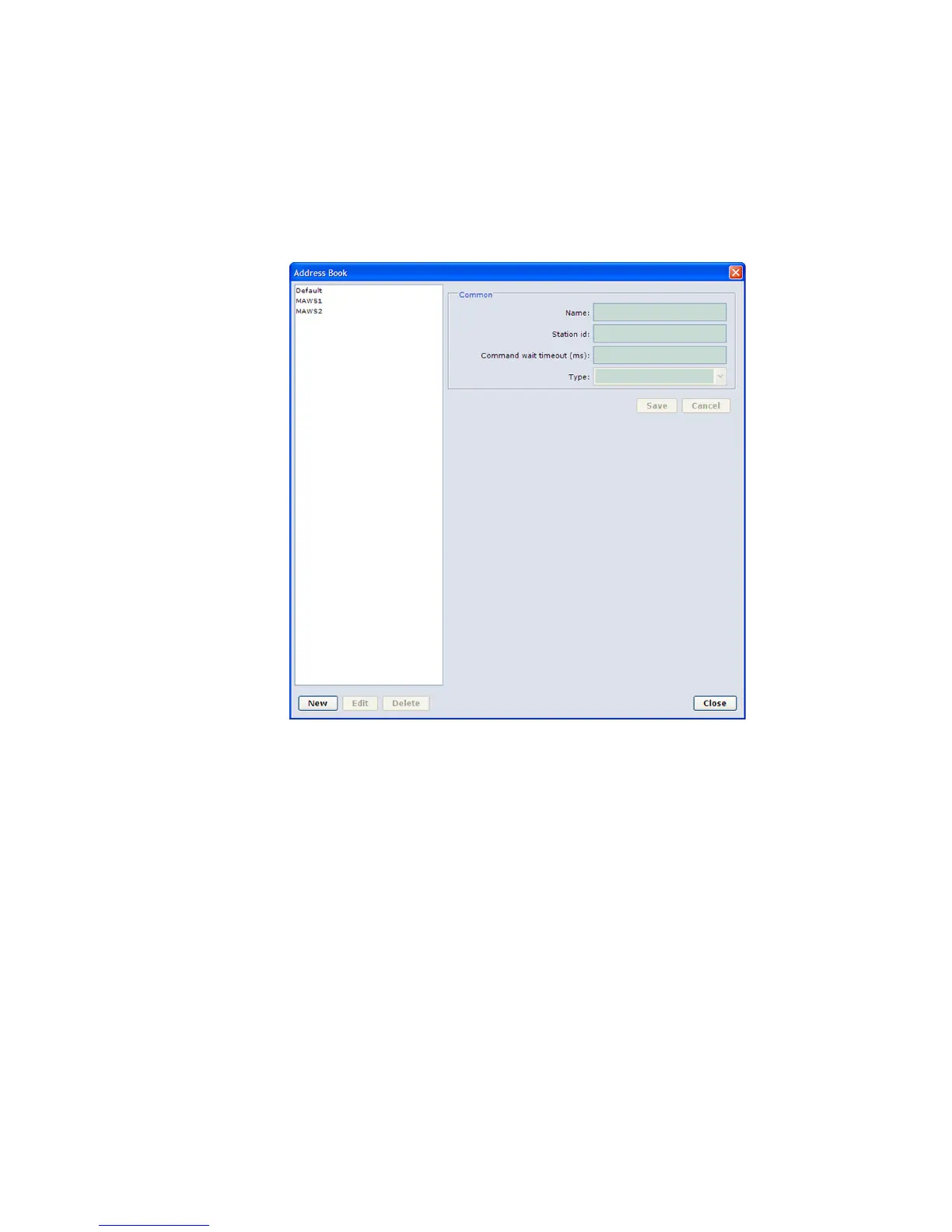
parameters. The connection parameters to be configured depend on the
connection type: serial line, dial-up connection, or TCP/IP socket
connection. The following sections describe the parameters for each
connection type.
0802-136
Figure 22 Address Book Window
Serial Line Connections
To add an Address Book entry for a serial line connection, proceed as
follows:
1. On the Settings menu, select Address Book.
2. Select New. The fields for selecting new connection parameters are
displayed.
3. From the Type list, select the type of the connection; that is, select
Serial Port. The fields for selecting a serial port connection,
shown in Figure 23 on page 47, are displayed.


 To Next Page