EasyManua.ls Logo

Valeport miniIPS2 - Welcome Message

Valeport miniIPS2
46 pages
Print Icon
To Next Page IconTo Next Page
To Previous Page IconTo Previous Page
Loading...
Setting Up the mniIPS2
5.2 Welcome Message
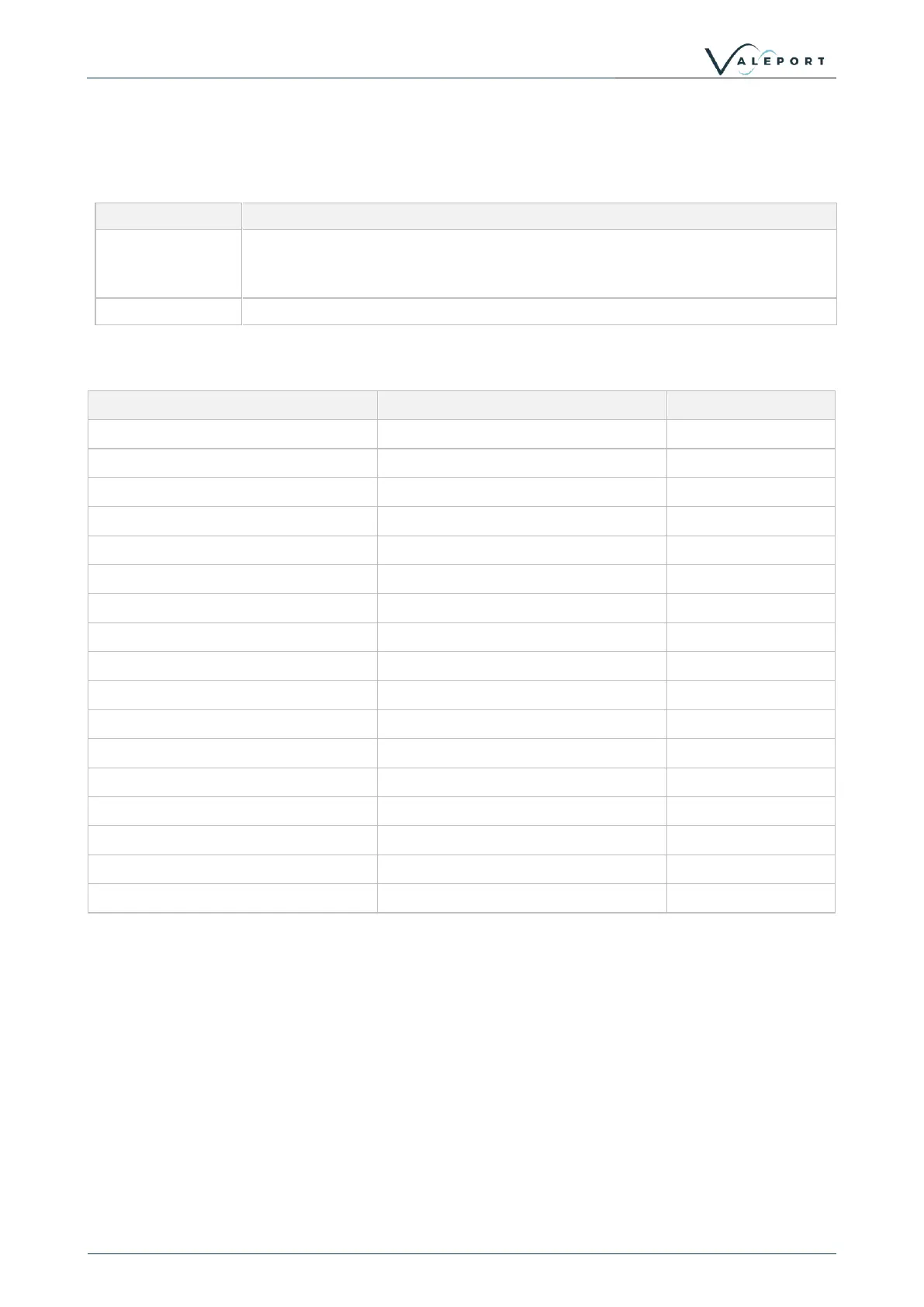
When the miniIPS2 or 2e is put into a run mode (#028), if the welcome message is enabled (#209;1), it will
output a welcome message
Code
Description
#209;n
Enable | Disable the Welcome Message
#209;0 disables the warning
#210;1 enables the warning
#210
Read Welcome Message activation status
The message contains the following information
Field
Format
Setup Function
miniIPS2 or 2e Serial Number:
xxxxxxx
Pressure Module Serial Number:
xxxxxxx
PCB Serial Number:
xxxxxxxxxx
Firmware Version:
xxxxxxxx September 22 2020 11:42
Pressure Module Range:
xxxBar
Operating Mode:
x
#011
No of Samples:
xxx
#029
Sampling Rate:
xxxHz
#003
Output String Format:
x
#013
Calibrated Units:
x
#018
Tare Enabled:
x
#007
Tare Value:
xxxxxx (in units)
#009
instrument Address:
xx
#001
Latitude:
xx.xxx
#135
Primary Cal:
0.xxxe+00,0.yyye+00,1.zzze+00
Secondary Cal Enabled:
0
#038
Secondary Cal:
0.aaae+00,0.bbbe+00,0.ccce+00

Related product manuals