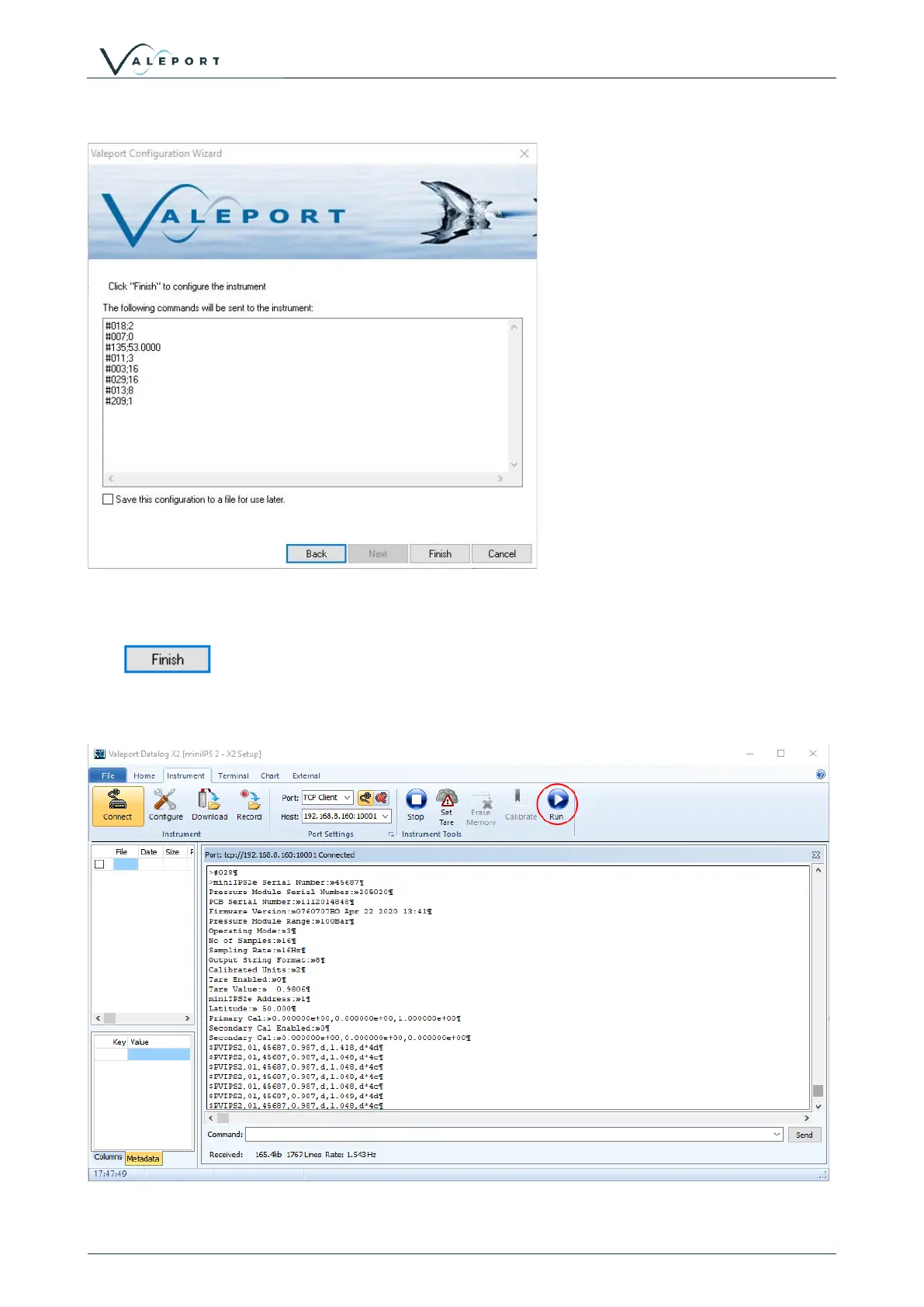
The next dialogue lists the commands that will be sent to the instrument to set it up as required:
There is an option to save the configuration of the instrument to a text file
Click to send the commands to the instrument to set it up as required.
The instrument is interrupted so either you must wait the watchdog period before the miniIPS2 will start
automatically or press the Run button on the ribbon:
You can see the #028 command to set the instrument into run mode followed by the header and then data.



 To Next Page