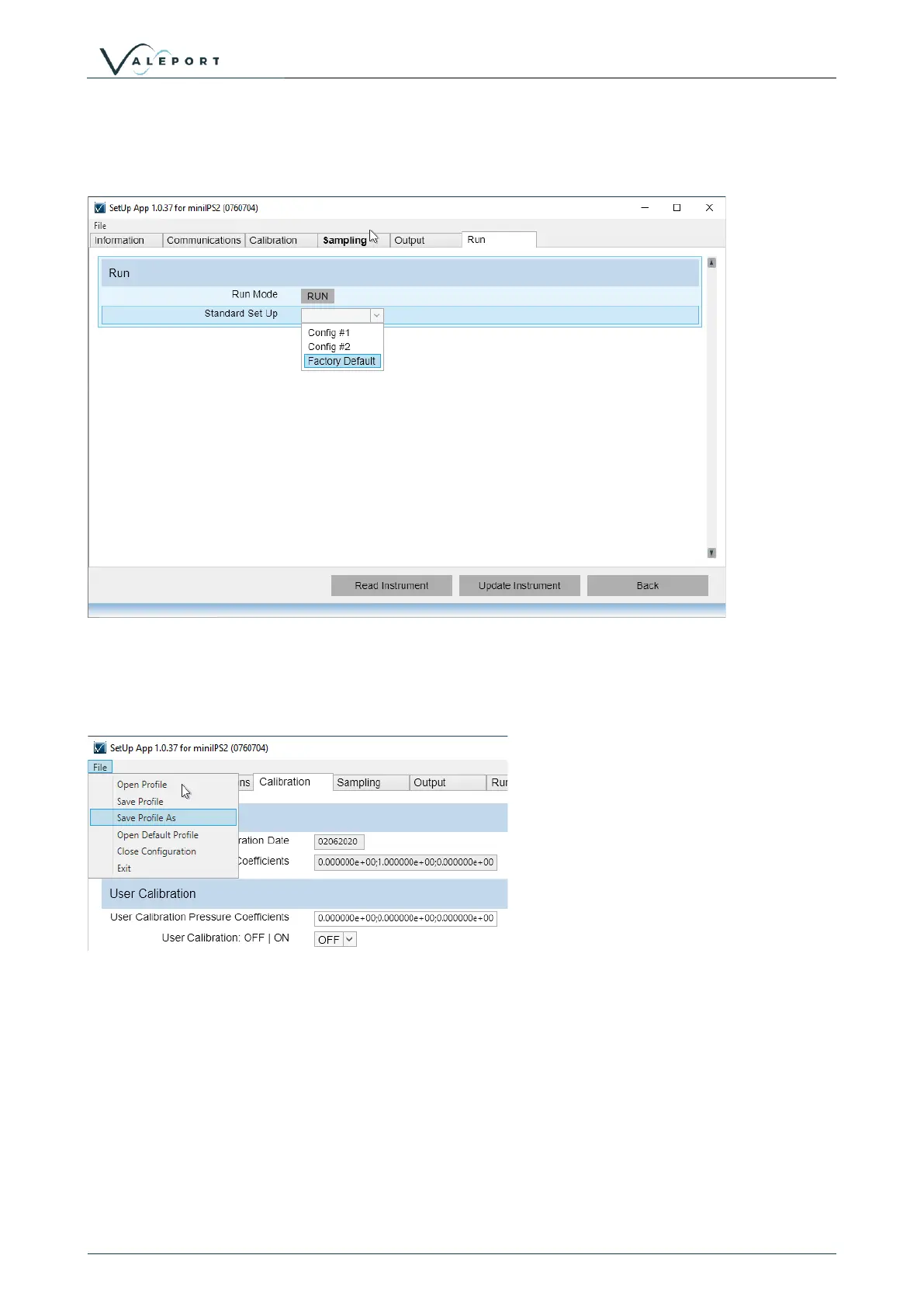
To set the instrument into a Run Mode select the RUN tab and click on the
There is also the option to load predefined setup options, including a factory default – contact Valeport for
further details if you would like a Config setting for fast setup of multiple instruments.
If you would like to save the configuration for future use click on the File menu (top left) and save the
Profile, file. You will use the same menu to open the file into the Valeport Configure App to load into an
instrument



 To Next Page