13
©
2005
Directed Electronics, Inc.
3.
TTrraannssmmiitt..
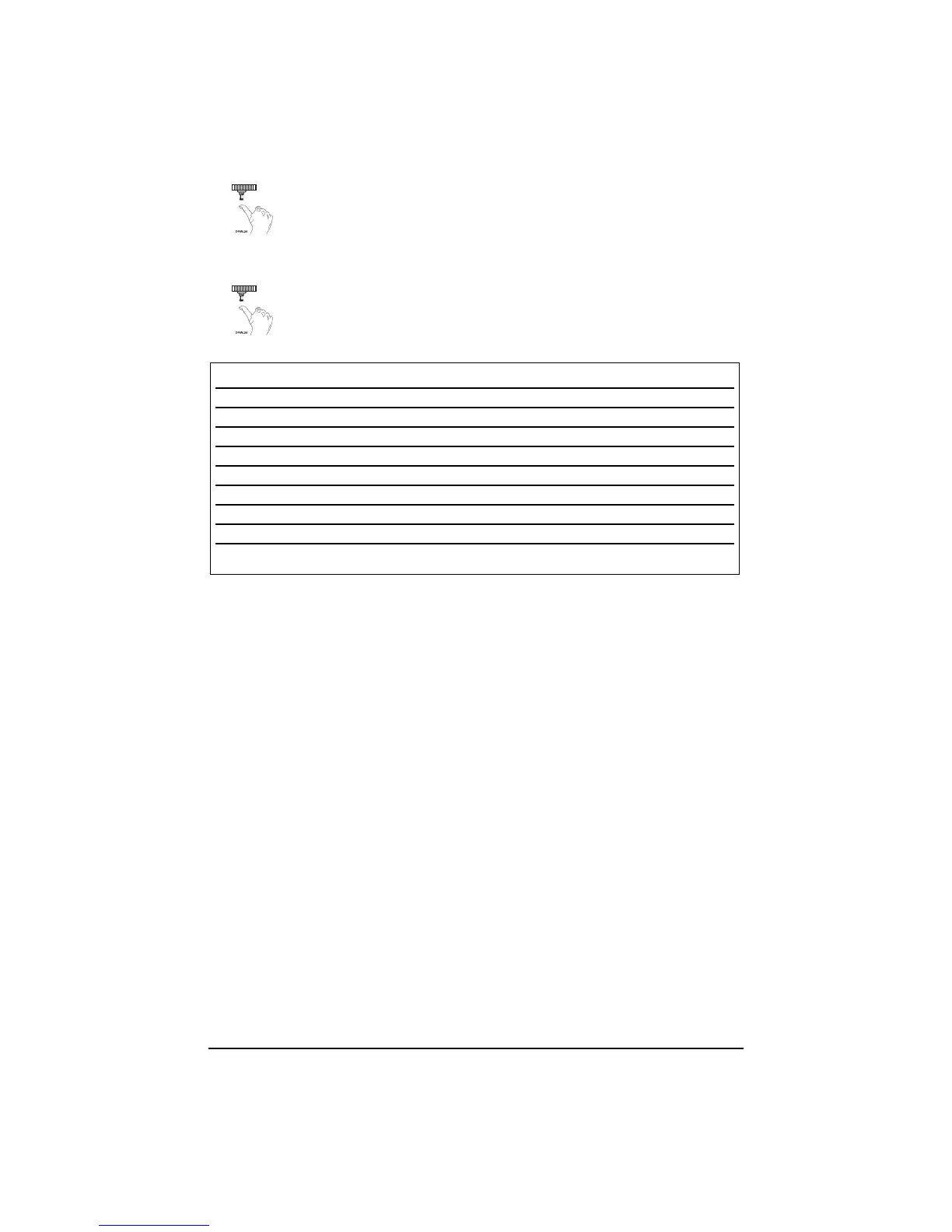
While holding the Valet/Program button, press the button
from the transmitter that you wish to assign to the selected channel. The
unit will chirp indicating successful programming. It is not possible to
teach a transmitter button to the system more than once.
4.
RReelleeaassee..
Once the code is learned, the Valet/Program button can be
released.
CChhaannnneell ##88::
If any button from a known transmitter is programmed to Channel 8, all transmitters
will be erased from memory and the system features will revert to the default settings. This is useful
in cases where the one of the customer's transmitters is lost or stolen. This will erase any lost or
stolen transmitters from the system's memory. It can also be used to start from scratch if the trans-
mitter buttons were programmed incorrectly.
To exit the learn routine:
One long horn honk indicates that Learn Routine has been exited.
➤➤
Ignition is turned off.
➤
Valet/Program button is pressed too many times.
➤➤
More than 15 seconds elapse between steps.
Channel Number Function Wire Color
1 Auto Learn
2 Arm only
3 Disarm only
4 Channel 2 RED/WHITE
5 Channel 3 WHITE/BLUE
6 Arm/Disarm/Panic
7 Panic Only
8 Delete all transmitters
**NOTE: For Auto Learn Configurations, see
Transmitter Configurations
section of this guide.



 To Next Page