9
©
2005
Directed Electronics, Inc.
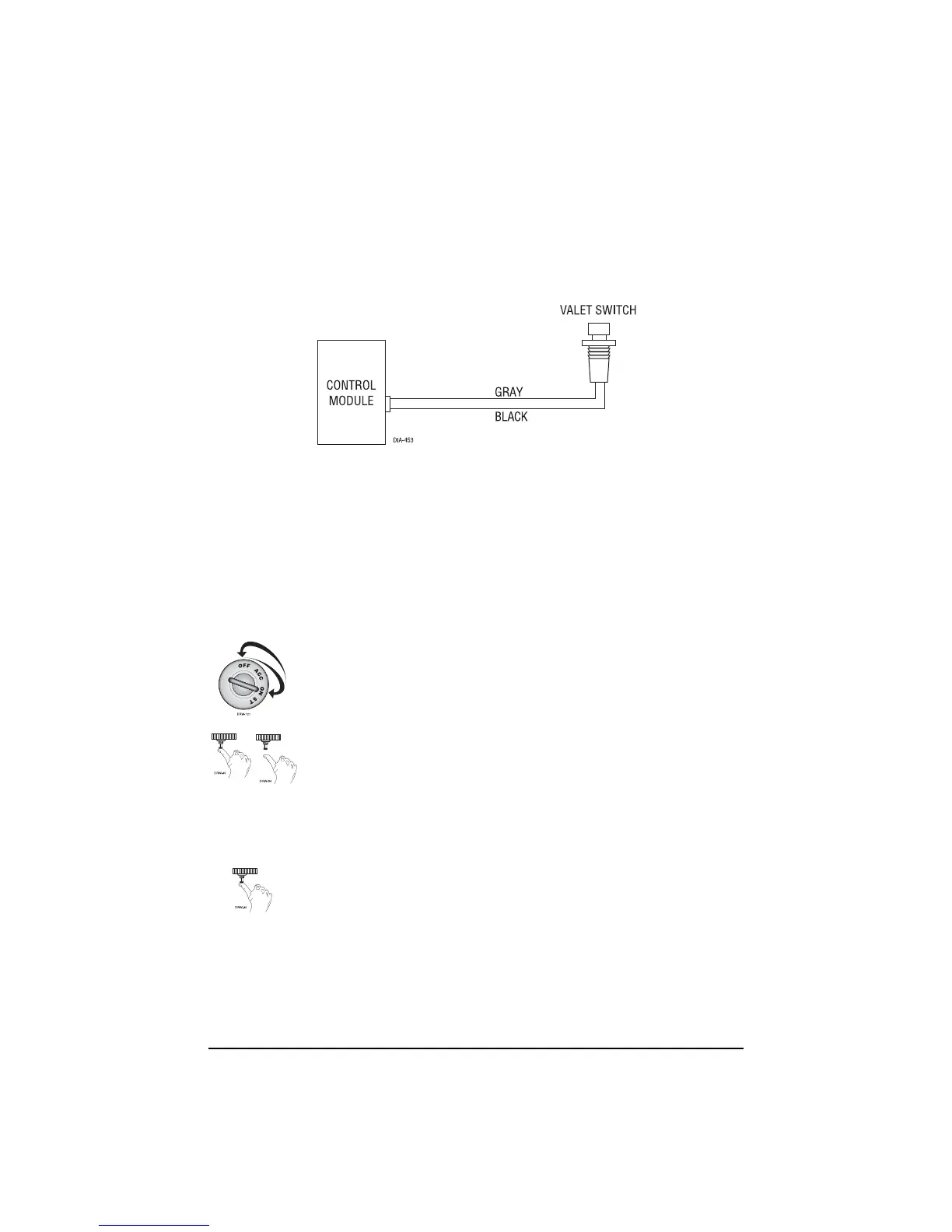
Valet/Program Switch, 2-Pin BLUE Plug
The Valet/Program button should be accessible from the driver’s seat. It plugs into the BLUE port
on the side of the unit. Consider how the button will be used before choosing a mounting location.
Check for rear clearance before drilling a 9/32-inch hole and mounting the button.
System Features Learn Routine
The System Features Learn Routine dictates how the unit operates. It is possible to access and
change any of the feature settings using the Valet
®
/Program switch.
TToo eenntteerr tthhee lleeaarrnn rroouuttiinnee::
1.
KKeeyy..
Turn the ignition on and then back off.
2.
CChhoooossee..
Within 10 seconds, press and release the Valet
®
/Program switch
the number of times corresponding to the feature number you want to
program. (See Feature Menus.) Once the Valet
®
/Program switch has been
pressed and released the desired number of times, press it once more and
hold it. After a second, the LED will flash and the horn will honk to
indicate which feature you have accessed.
3.
TTrraannssmmiitt..
The transmitter is used to select the desired setting. As shipped,
the unit is configured to the LED ON settings. These are the default
settings. Pressing the lock button will set it to the LED ON setting. The
LED will light solid (stop flashing) to indicate the setting. The horn will
honk once (if connected). Pressing the unlock button will change the
setting to the LED OFF setting. The LED will go out indicating the
change and the horn will honk twice (if connected).



 To Next Page